I downloaded and updated my Ninja desktop to version 8.1.6.1. Now on my daily candlestick chart with the Order Flow Volume Profile applied, the volume profile is not displaying correctly. I checked the settings of the volume profile and they seem to be identical to what I had before the upgrade. I checked to make sure the ‘value area’ is still at 68%. Now it barely displays and blue color for volume across the whole candle. It is all concentrated in small areas. I’ll try to attach a screen shot here if I can. I’m either completely missing a setting that somehow changed during the upgrade or something with the new version is not correct.
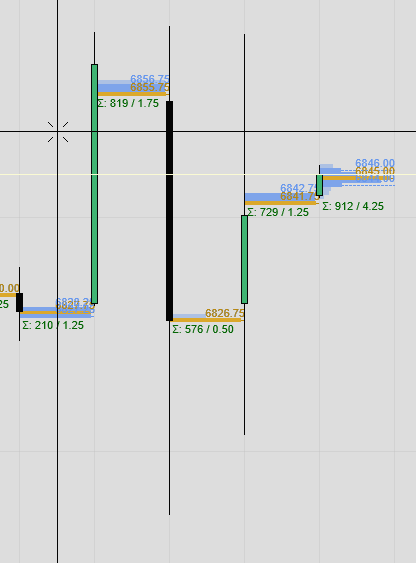
I just updated this morning. It fixed all the performance issues I was having, however volume profile is no longer working correctly. Guess I’m downgrading to 8.1.5.2 again 
1 Like
OK, not happy to hear you have the same problem but also glad it’s not just me overlooking a setting. I’m new to Ninja support. Did I post this in the right area?
I have the same issue. Where can i get 8.1.6?
1 Like
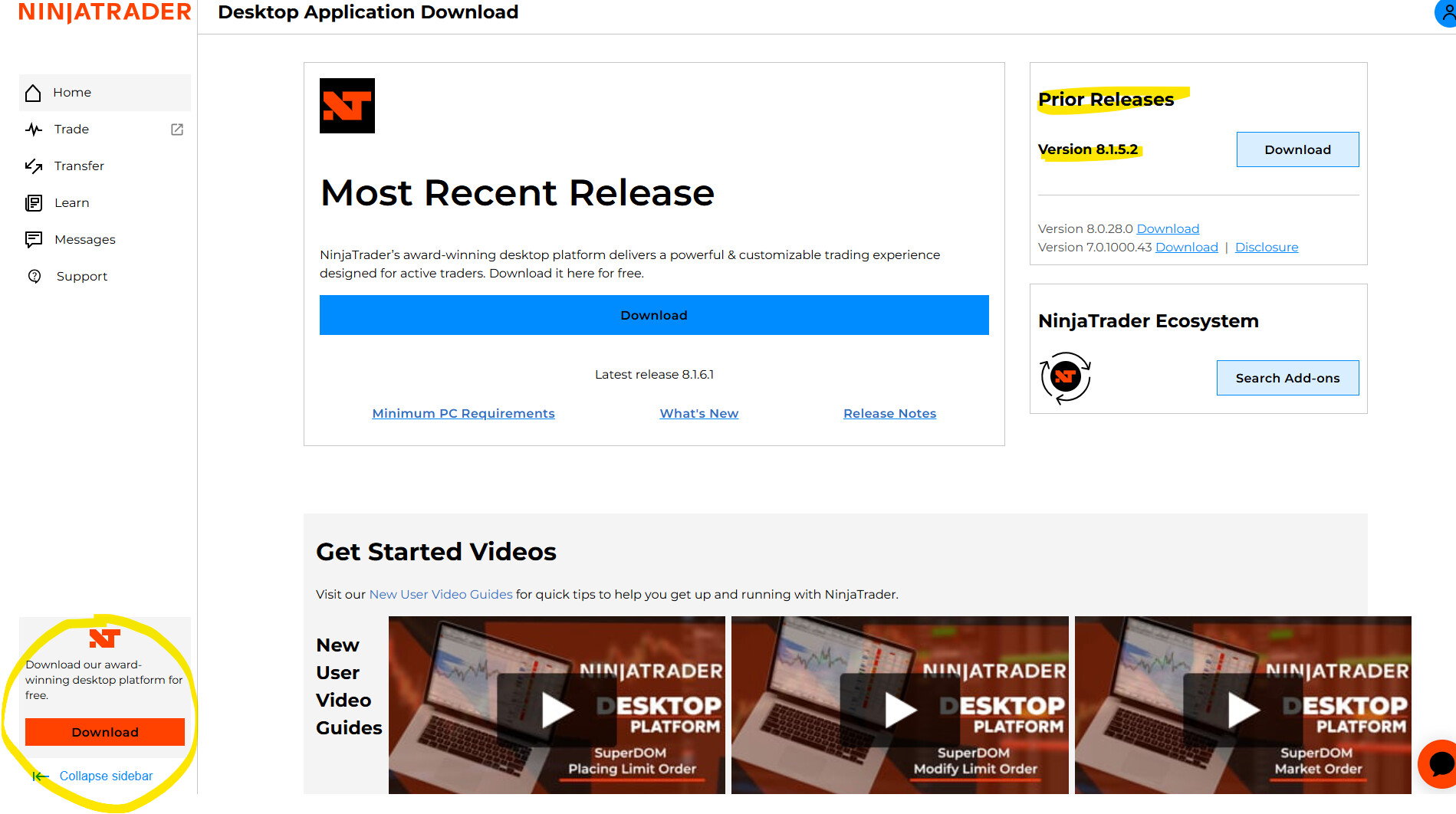
Thank you, but I know that. I’m just looking for the older version 8.1.6 and I can’t find it anywhere.
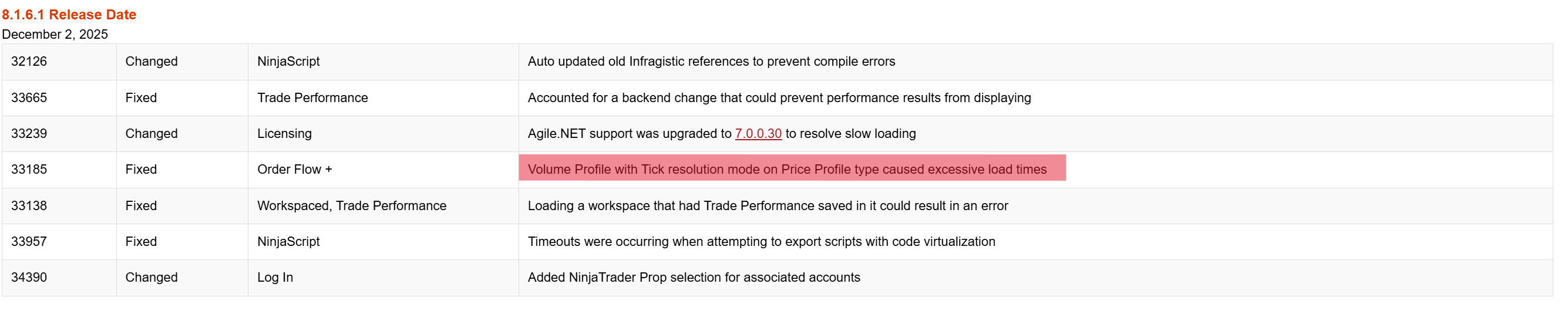
I am looking for an older version because I think the problem is only with version 8.1.6.1. You can see this in the highlighted line. I had version 8.1.6, and it worked fine. But I don’t have the installation file.
having the same issues but with weekly and monthly V.P. also the delta profile dose not work anymore 
This is why I upgraded to 8.1.6.1 from 8.1.6.0. Loading tick volume profiles was taking a long time. BUT, once I upgraded to 8.1.6.1 the profile didn’t even load correctly. Is there somewhere else we should report this as a ‘bug’? I just made this post in the ‘general discussions’.
1 Like
I just installed 8.1.6.1 and my volume profile charts are broken as well. Naked POC lines aren’t terminated when hit, the weekly profiles are spotty, and my long term profile doesn’t even show up.
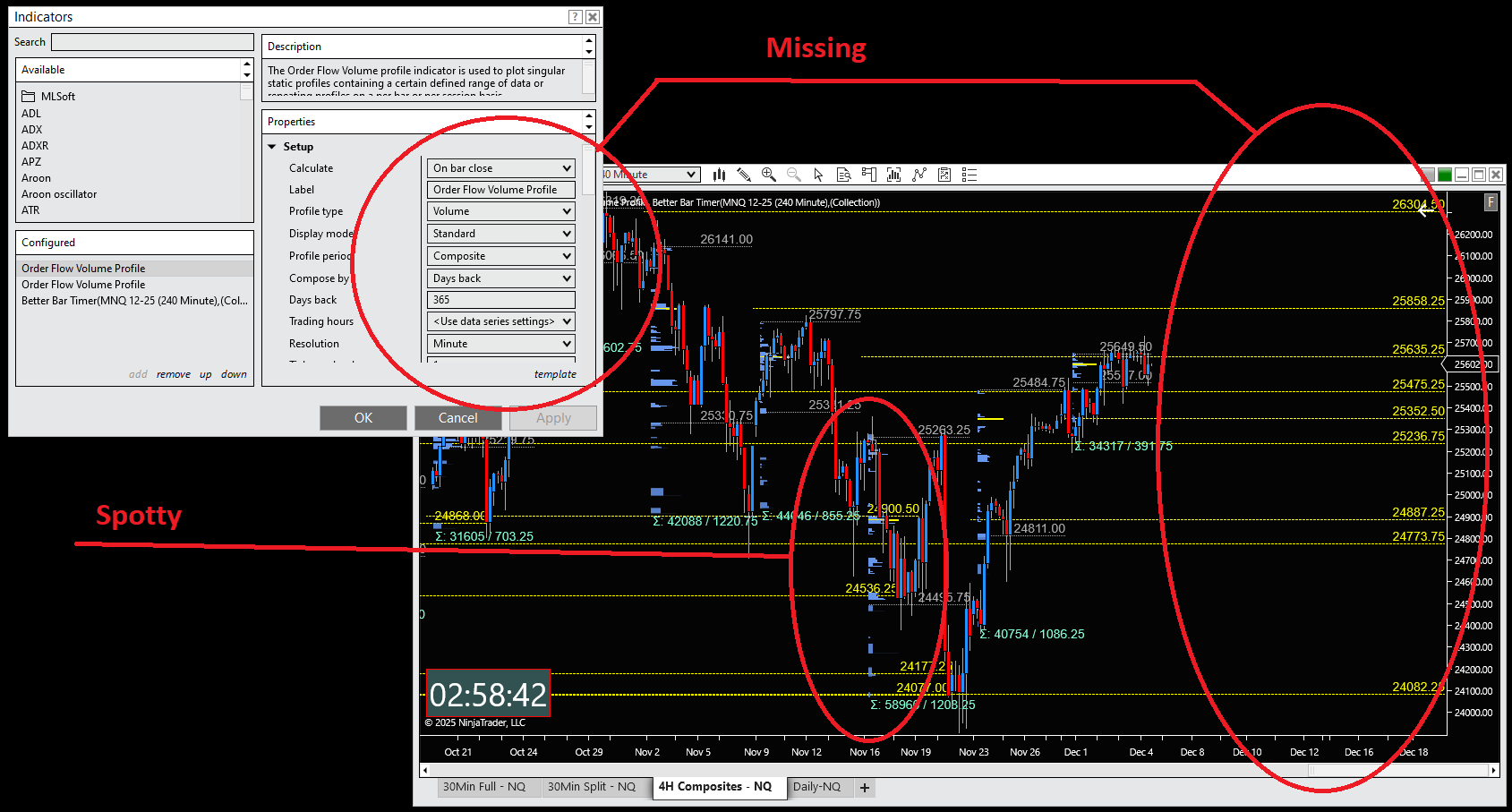
For reference, I reverted to 8.1.5.2 and this is what the chart should look like:
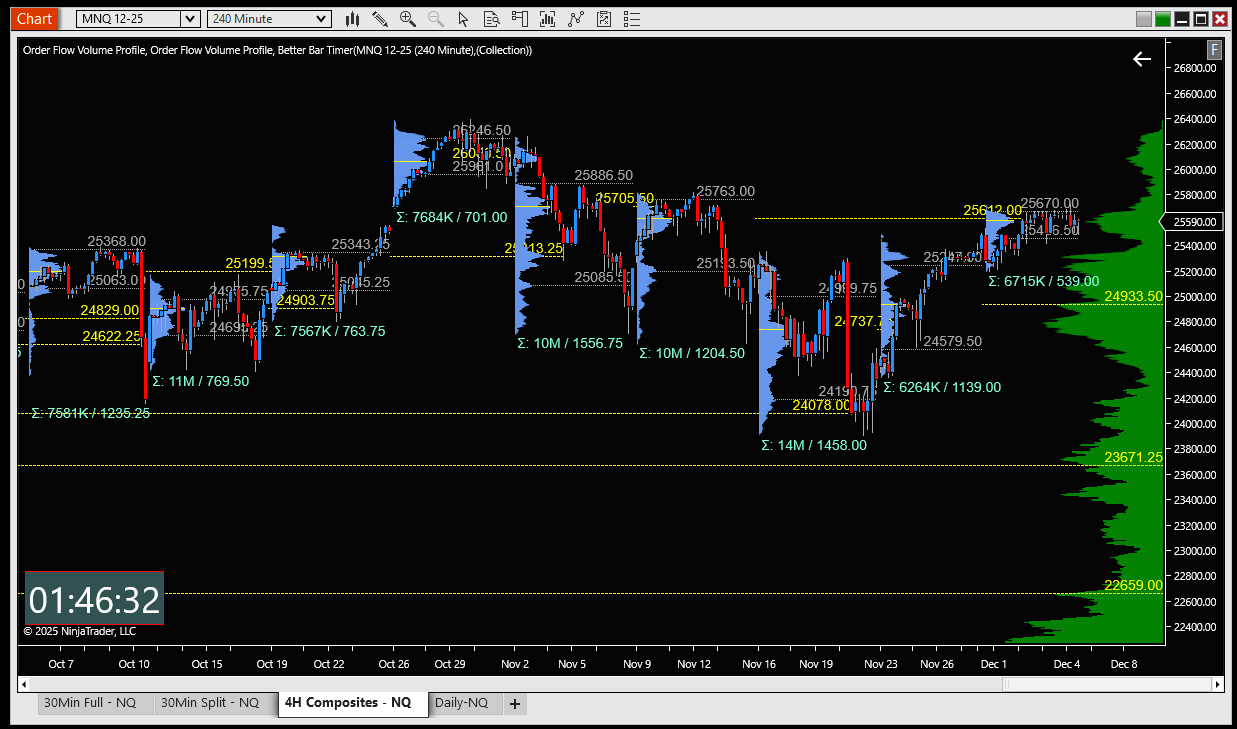
1 Like
Why can’t they beta tests these releases with actual users before putting them out, it seems like they do not?
2 Likes
I just realized this new forum is not monitored by the Ninja support staff. So, I’m just going to assume people have actually reported these bugs but I’m not sure. I don’t even know how to report a bug.
….how to report a bug…. - send email to support@
i tryed to go back to the last version and then i couldnt log in anymore said: unknown error.
very nice now i cant grade down and have no working V.P. awsome…
They probably solved this slow loading problem by removing the loading of the entire profile. 
5 Likes
I am having the same problem with Volume Profile on daily sessions with v8.1.6.1 installed. I even tried a 100% clean install and the problem persists. Obviously the v8.1.6.1 version is a fail.
I would like to go back to v8.1.6.0 but cant find the install file anywhere. Usually I keep a few install versions back just for this reason but this time I didnt do it and now I can revert back to 8.1.6.0.
Im really hoping to NOT go back to v8.1.5.2
Does anyone know of a way to get v8.1.6.0 install file?
I just did a complete uninstall and reinstall back to 8.1.5.2 and all is good.
Then added my prior database file back in to restore all my trade history.
Then reapplied all my previous add-ons/indicators, templates, and workspaces.
All good again.
NT8 Support told me the Volume Profile fix is already in v8.1.6.2, so when that release is posted I will upgrade using 8.1.6.2. Hopefully it is available soon because ther are some features in 8.1.6.x that I like.
1 Like
So you seem to be saying NT has actually admitted that in releasing .1.6.0 they broke Vol Profile, didn’t fix it in .1.6.1 and may have fixed it in .1.6.2, yet to be released several months on?
2 Likes
seems so doesnt it?.. maybe that is why they do not show 8.1.6.0 as the Prior Release but rather they offer 8.1.5.2
1 Like
when you donwgrade to the last version 8.1.5.2 the volumen profile works again and its loding faster. im happy