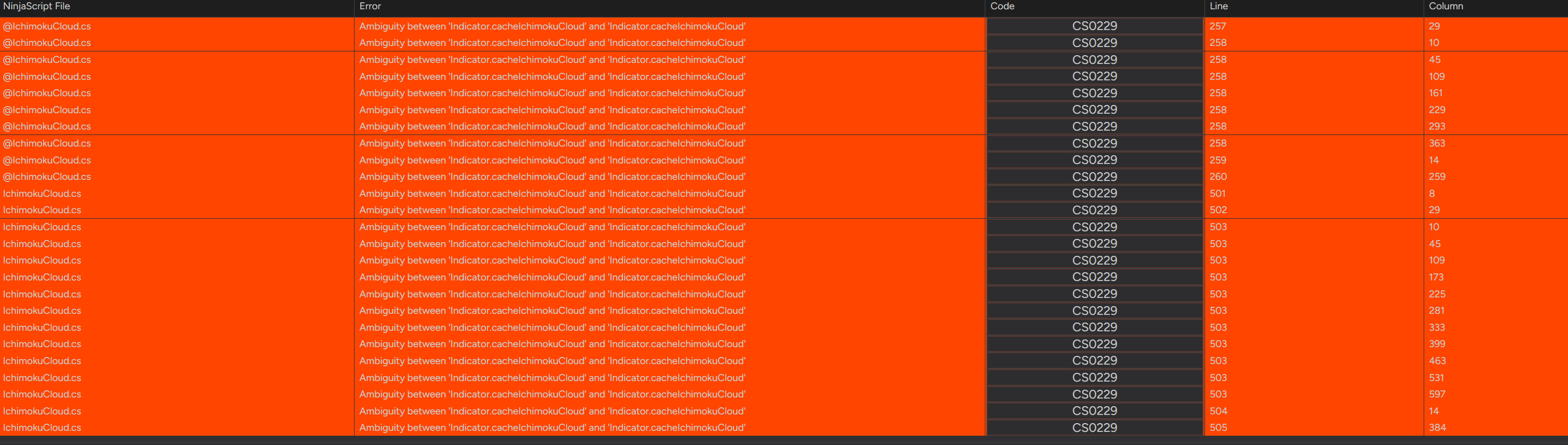
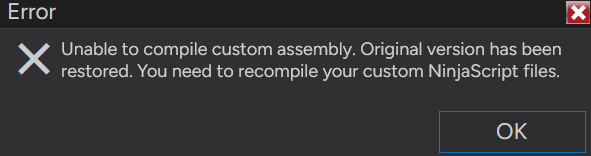
I just clicked on update when i launched my ninjatrader 8. Now it got updated to 8.1.7.2. i got this error. Everything was working fine up until this update. it’s complaining about a built in indicator which i never use.
Anyone have a fix for this?
yeah, I got some of those two, sadly we need to make adjustments to need to keep up with technology, just ask Apple lol, i have a nice mint I pad yet its outdated won’t work, lmao
From what I understand, the @ in front of the IchimokuCloud indicator means that is the one that comes with Ninjatrader. Which means you have TWO ichimokuCloud.cs, and you would just need to get rid of one? Or at the very least you can exclude one of them from compiling.
4 Likes
try going into any indicator and just recompiling. Sometimes NInja just gets hung up on something.
2 Likes
What’s happened here, most likely, is that you’ve accidentally made a copy of that or possibly other indicators as well. Go into Documents → NinjaTrader → bin → Custom and search for that specific file IchimokuCloud and delete the one that is not in Indicators. Then recompile in NinjaScript Editor, and if you observe more copies, such as perhaps a copy of the entire Indicators folder, delete those (or more them somewhere else, such as your desktop), and repeat until you have eliminated the duplicates.
1 Like
Thanks everyone for your suggestions. I tried them all and no luck. It’s crazy how, i’ve had it working for over a year without any issues, and i click upgrade and this happens. I’ve compiled many new indicators/strategies in the past year without any issues.. This upgrade got me and the only solution that worked was the following:
- Backup the Ninjatrader 8 folder in Documents
- Uninstall Ninjatrader completely.
- Reboot
- Reinstall fresh Ninajtrader latest release.
- Re import all my indicators / strategies..
- I did have to copy back my replay data as well as my styles/templates etc.. from the backup folder.
Go into your indicator folder and delete the indicator, both versions.
And add only the indicator afterwards.
sometimes its best to compile on one operating system then beta on the other, but im new 
This is a built in problem with the NT 8.1.7.2 update. I have been updating the exact same configuration on the same machine for years and have had zero issues. Now this mess. Huge list of compilation issues. Support needs to weigh in on this. I have completely removed and reinstalled several times. Finally went back to 8.1.6.3 and ran a backup from last week and everything works fine again.