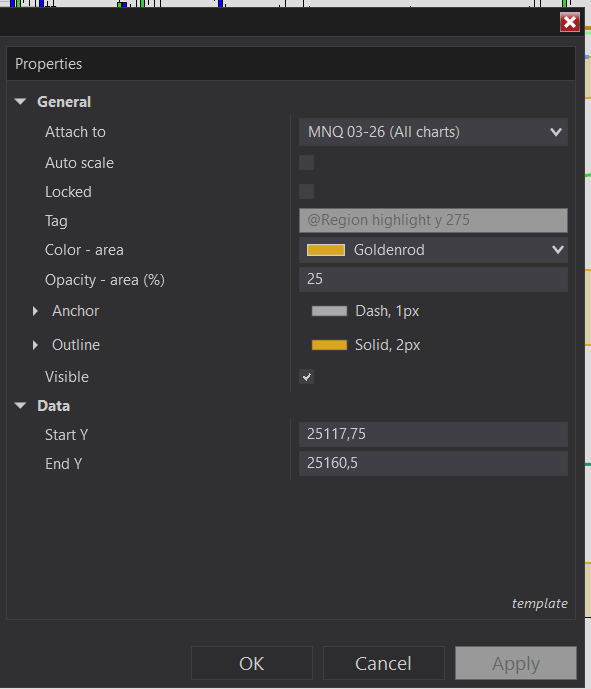
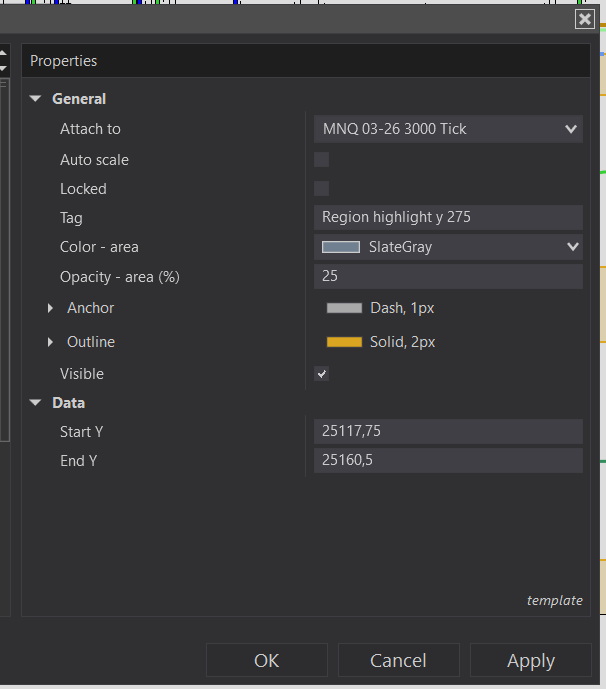
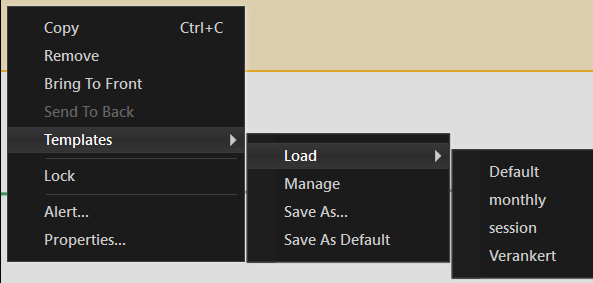
i have a standart template the loads without an issue but when i klick with rmb on it and chose one of my template drom the drop down menue it loads it and after that instantly deletes it. this happenes only when i do it with the drop down menue, when i open the drawing objects tab and load from there the template it works just fine.
I was able to reproduce this problem. It appears to be related to the fact that the target drawing object is “global”. Notice in your standard template the tag starts with “@” and is grayed out. This indicates it’s a global drawing object. If I try this with local drawing object (non-global) the templates work fine. However, with global objects it’s 100% reproducible.
This definitely smells like a bug. I would contact the support email and let them know.
I was able to workaround the problem by applying the template first, then making the drawing global after.