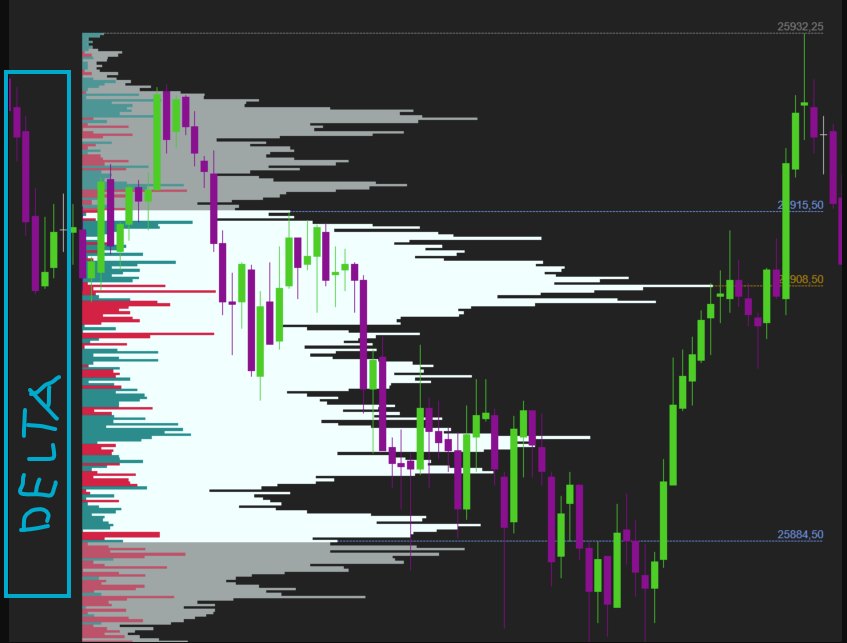
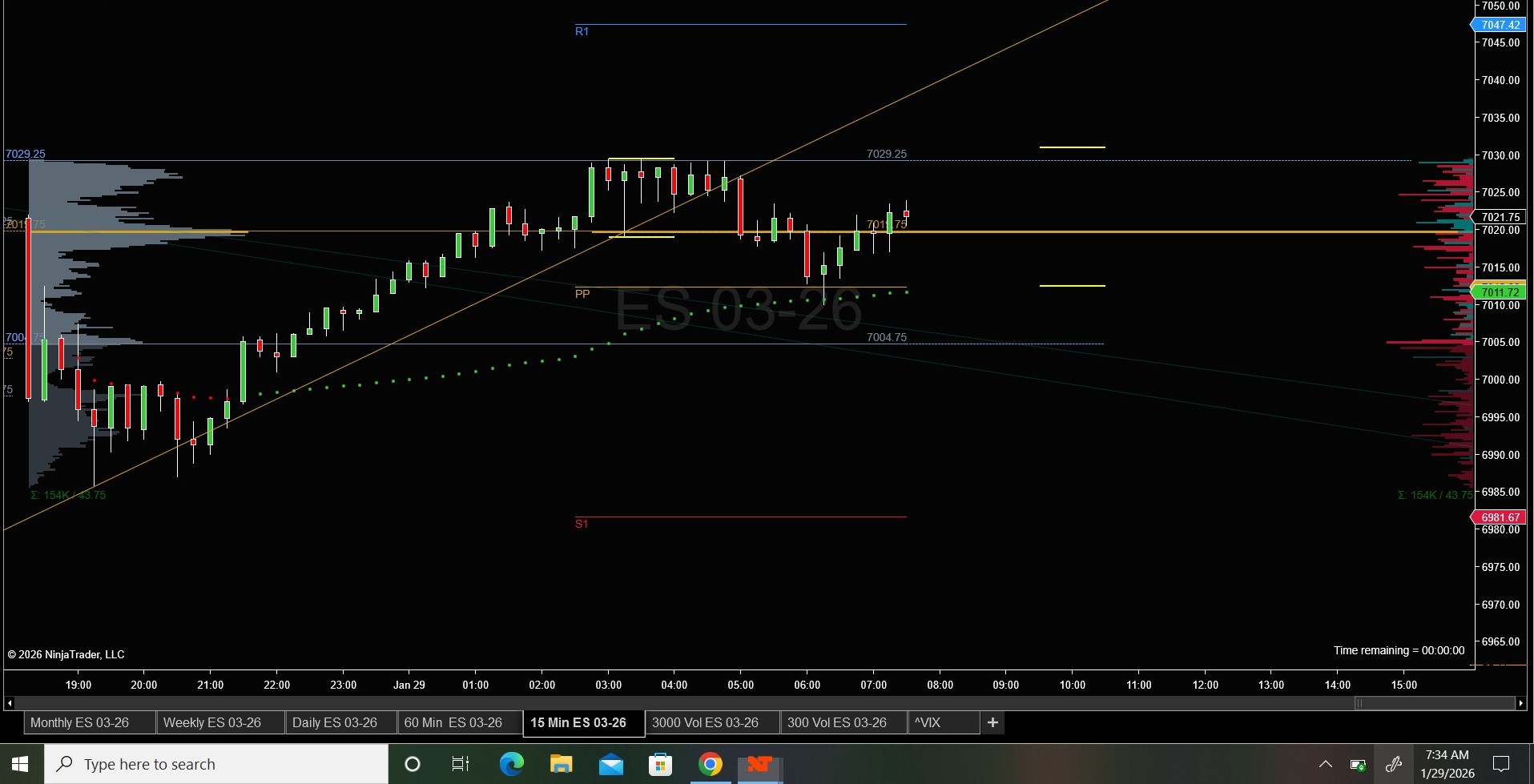
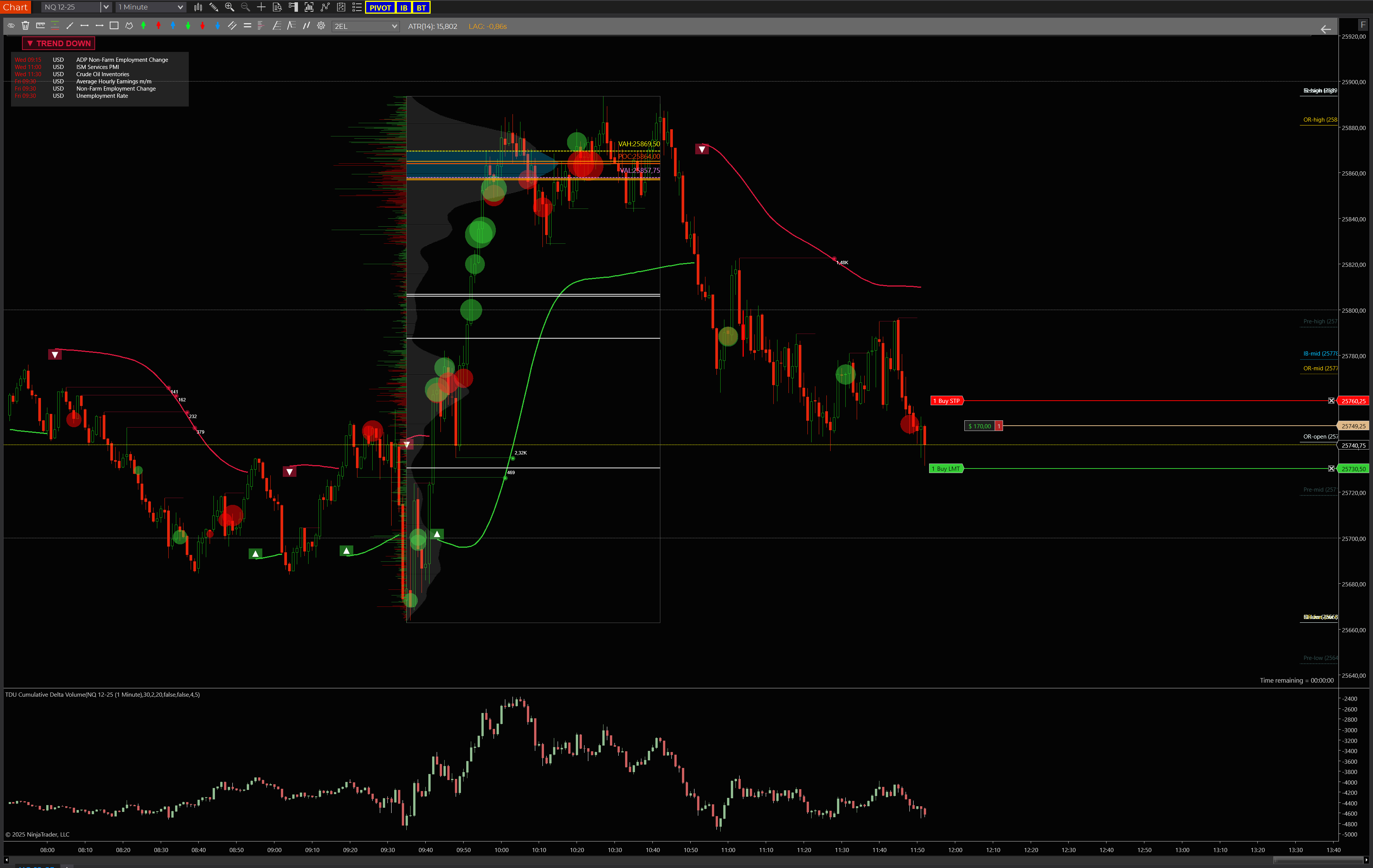
I’m using the Volume Profile drawing tool and I was wondering if it’s possible to display the delta on the opposite side of the profile.
Right now, the delta is shown on top of the volume bars, which makes the profile quite confusing to read, especially when both values overlap. I’d like to have volume on one side and delta on the other, if that’s supported.
Is there any setting or workaround to achieve this?
The profile, by it’s nature, is anchored to where it starts. Whether that’s the session, week, bar, or in your case, the drawing object. There’s no way to get the profile to render outside these bounds. Your only option to get the visual separation you’re looking for is to split the profiles into left/right components. (ie: one drawing with delta only set to left aligned, and a second drawing with volume only set to right aligned.)
If you don’t mind a paid solutions, take a look at the volume profile tool provided at the link in my profile. There are many flexible options for orientation, placement, etc. You can contact me through the website if you have questions. I don’t want to get into trouble here by saying too much LOL.