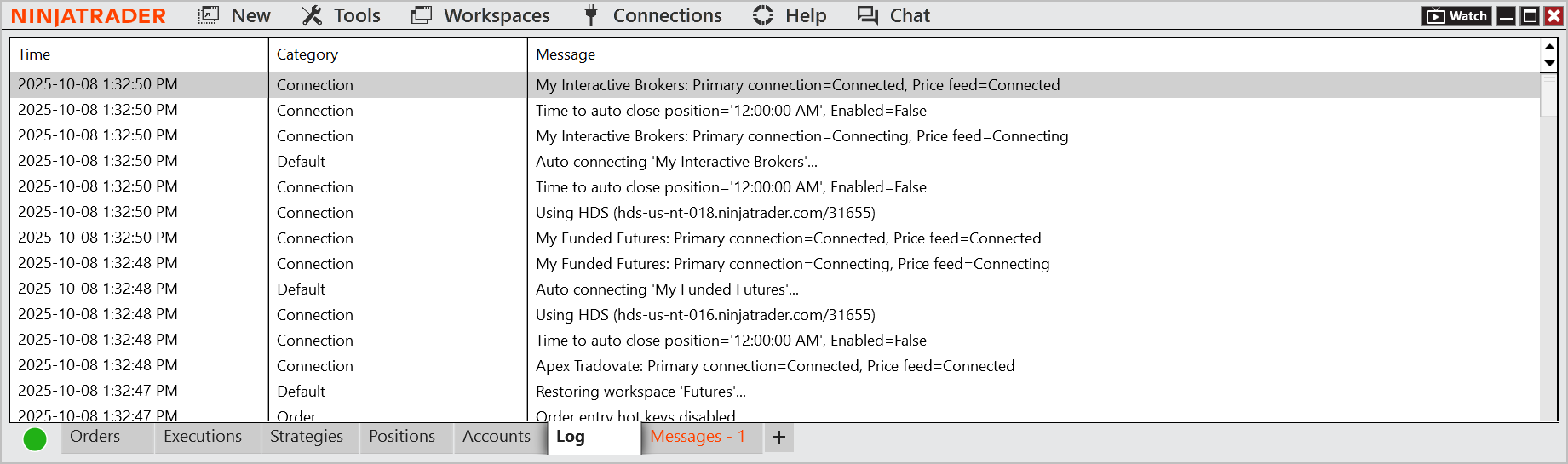
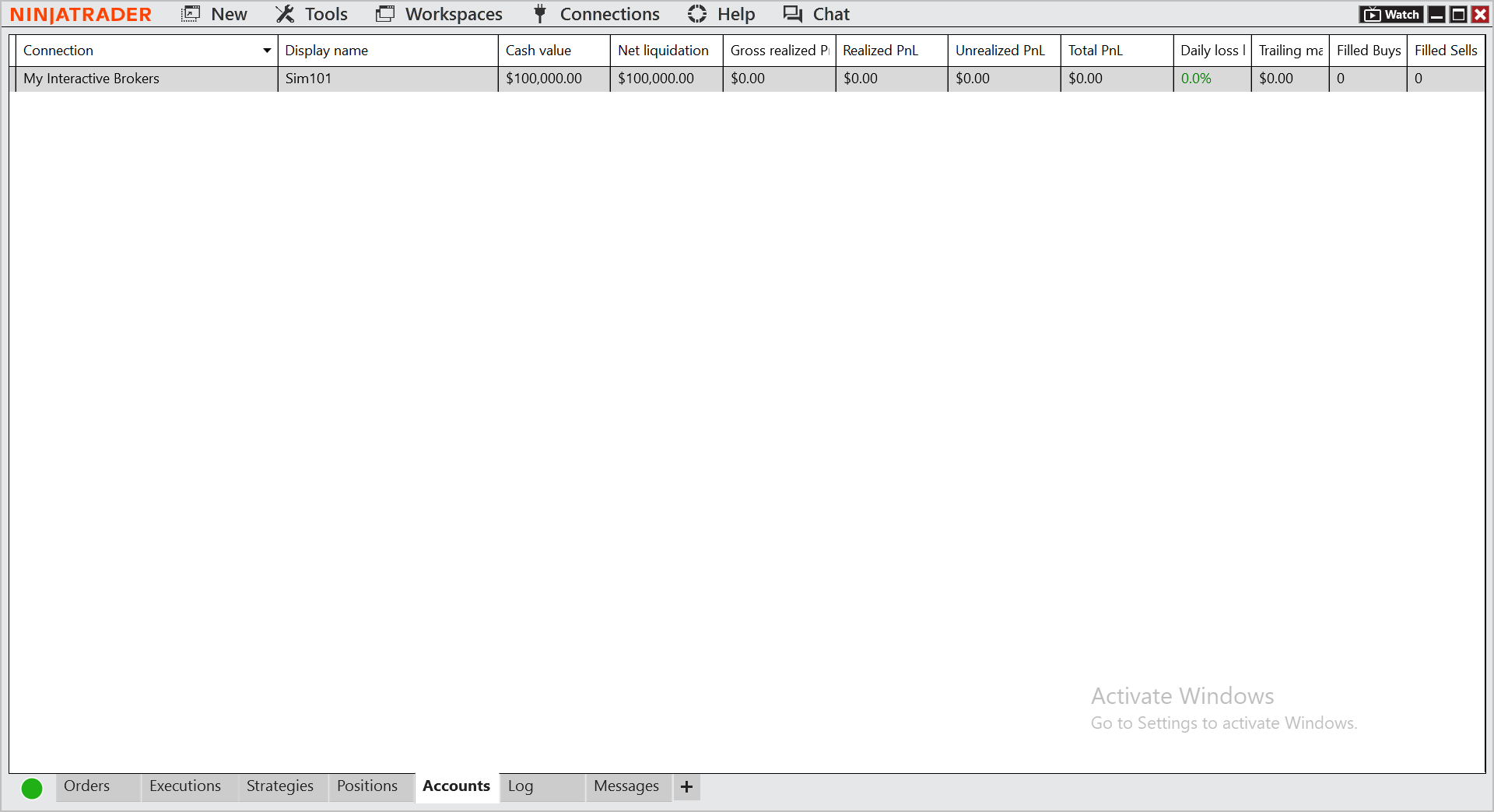
I’m trying to connect my Interactive Brokers account to NinjaTrader Desktop, and the connection status shows green (“Connected”). The Log messages also indicate a successful connection. However, the Accounts tab does not display any IB account.
I’m currently using NinjaTrader Desktop 8.1.5.2 (64-bit) and IBKR Trader Workstation 10.33.1b.
I’ve confirmed the API settings in TWS (ActiveX enabled, not read-only, port 7496) and the connection in NinjaTrader uses the same port and host (127.0.0.1).
Could you please advise what else I can check to make the IB account appear in the Accounts tab?
Just to clarify — the log line showing “Using HDS (hds-us-nt-018.ninjatrader.com/31655)” actually came from when I was still connected to another broker’s SIM account.
I’ve now disconnected all other broker connections, and I’m only connected to Interactive Brokers at the moment. After doing this, the IB account started appearing in NinjaTrader.
However, the issue now is that even though I’m connected to my IBKR live account (and I don’t have any paper/SIM account with IBKR), the Accounts tab in NinjaTrader still only shows a SIM account instead of my live one. My TWS Account window clearly shows my real live account and its data.
I followed the official guide carefully and verified all settings several times, but the result is still the same.
Any idea how I can make NinjaTrader recognize and display my live IB account?
I don’t lay claim to any authority on the subject nor do I use IB, so just throwing in some bits & pieces I’ve picked up along the way in case they help…..
(Btw in case you’re not aware this ‘forum’ is a ‘self-help group’ - NO Ninja Support here any longer)
(FWIW hds are indeed historical data servers and can be used for backtesting but also populate any data missing from your live broker feed (e.g. some brokers don’t go back as far as others/NT hds iirc)
Given you say you’re connecting multiple brokers it may be relevant to know (if you’re unaware) that the order in which you Connect does ‘matter’ and can result in the type of behaviour you’re encountering.
FWIW, I’d suggest contacting NT directly by email (brokerage@ rather than Support probably), telling them precisely what you’re trying to do with whom & ask for instructions.
Users with extensive knowledge on such matters used to frequent here, but nowadays not so much
Kind regards,
Really appreciate the info! Didn’t know the connection order matters — that could explain what I’m seeing. I’ll contact NT brokerage and see what they say. Thanks again for the tips!