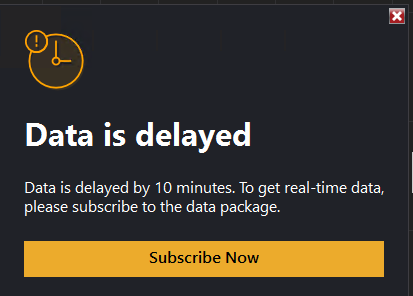
I can connect to NinjaTrader (on Desktop) but can’t seem to place any trades under my DEMO account. When I go to my Settings in NinjaTrader profile/website it says subscription is included and is greyed out.
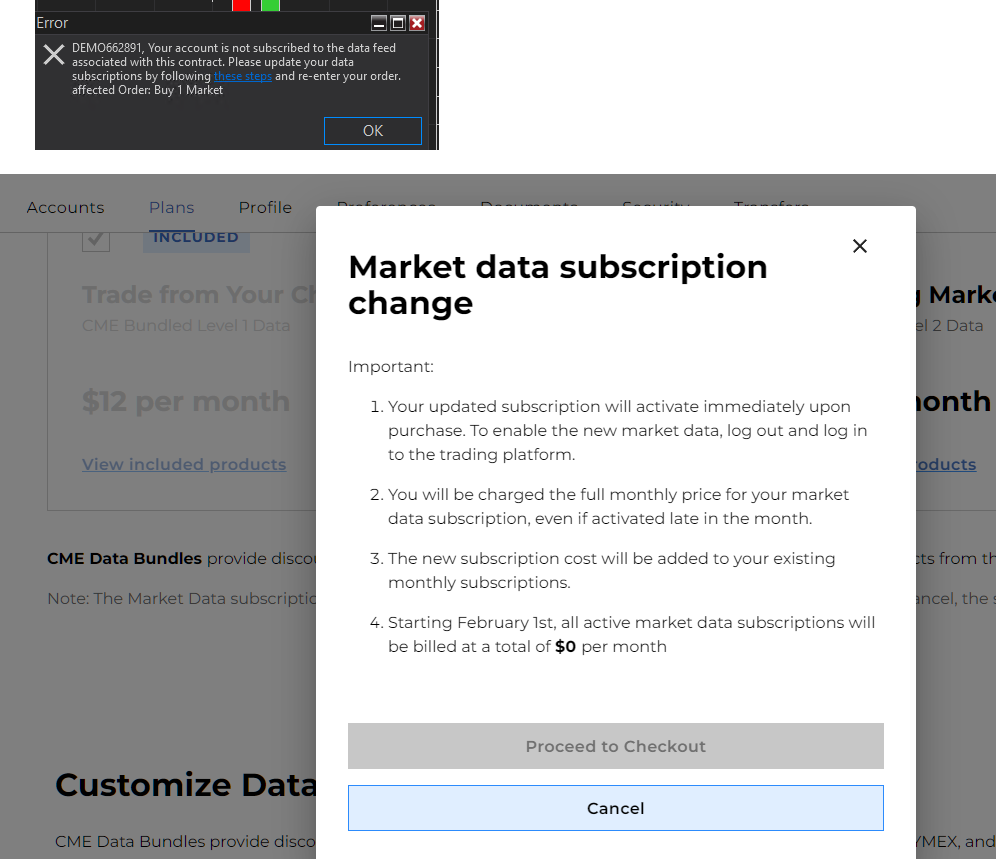
- Do you have real money in your account?
Or
- Are you a simulation / prop fund trader?
Both of these get free level 1 data.
No prop firm for this I don’t have but like $10 in my NinjaTrader account.
So I have to put money into a live account with NinjaTrader for the “Demo” account to be able to trade? That doesn’t make any sense. Can I not just pay for a demo account with data with NinjaTrader?
Helpful link: https://prop.ninjatrader.com/
That would be helpful if I wanted to sign up for a prop firm and connect with that prop firm’s provided credentials and trade a demo through them.
But I’m asking how to do this directly with NinjaTrader, through my NinjaTrader login. I get the error when trying to make a trade in NinjaTrader with those credentials, as shown. So I’m curious as to what I’m supposed to do.
I have prop firm accounts, I’m not asking for more and the reason is irrelevant.
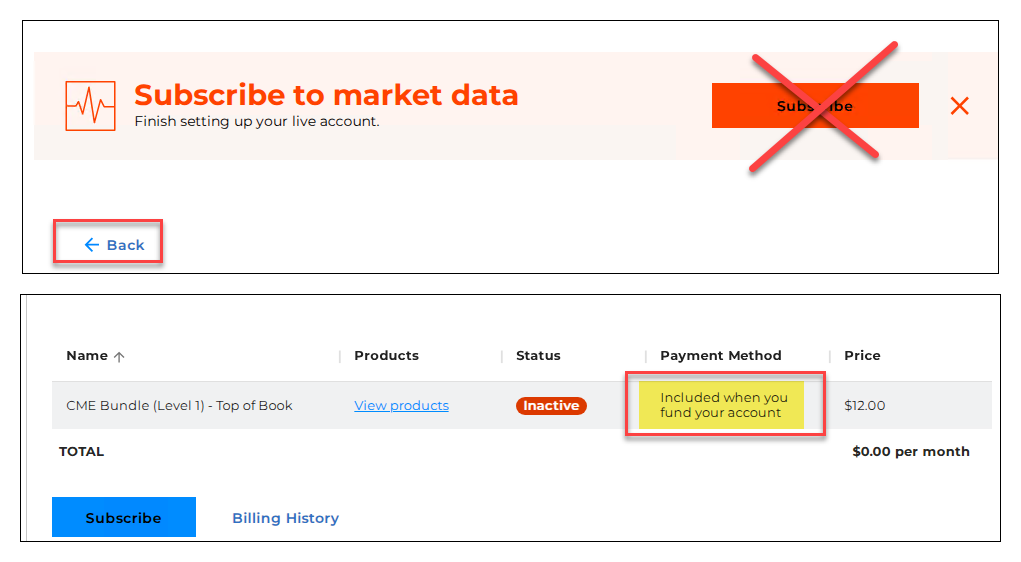
Yeah, so I have to “fund” the account is the only way it appears. The “Subscribe” button is misleading and not where you click when NinjaTrader gives you the pop-up to subscribe.
You have to click “Back” then scroll down and find the denoted “Included when you fund your account”:
1 Like