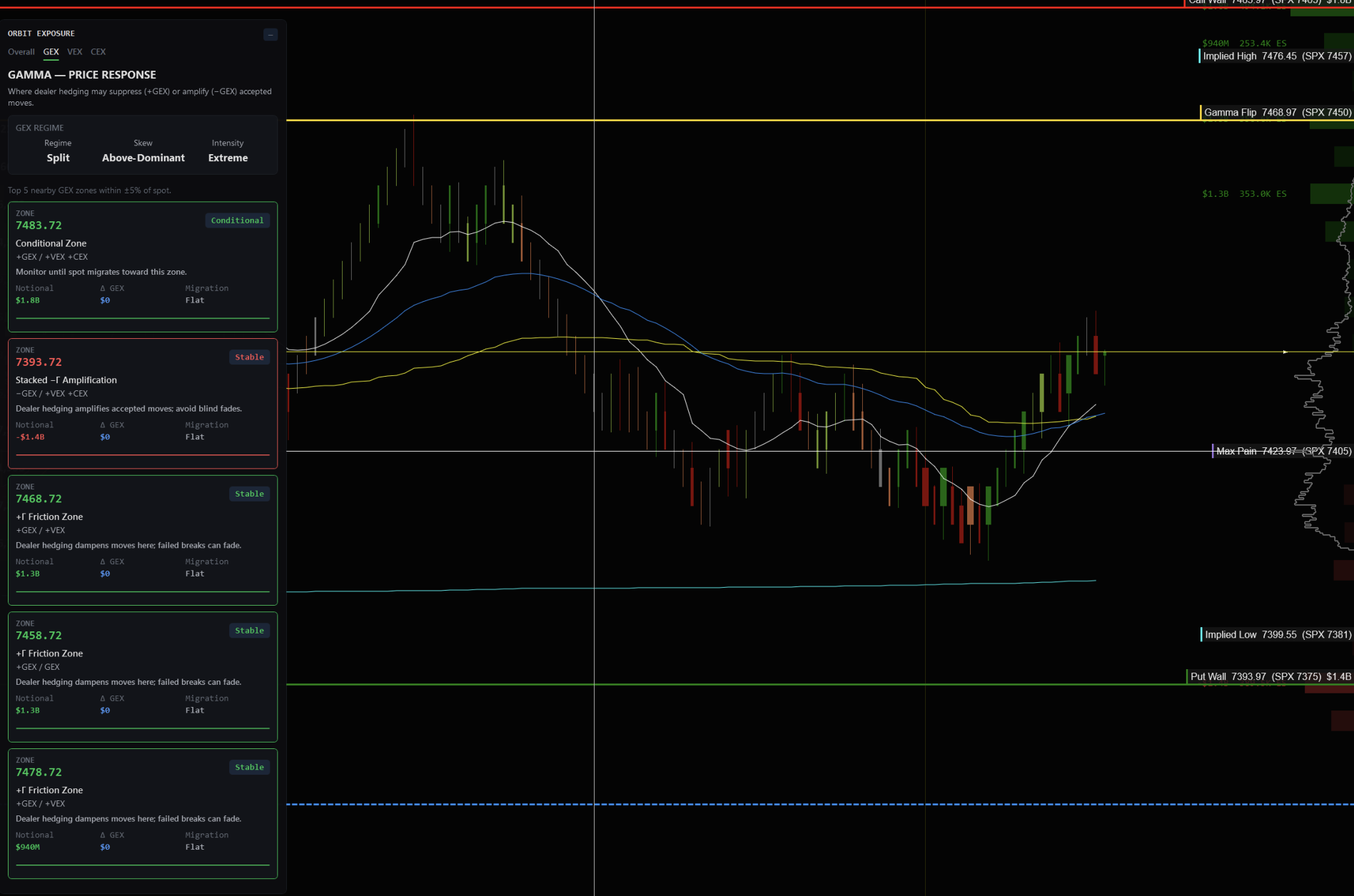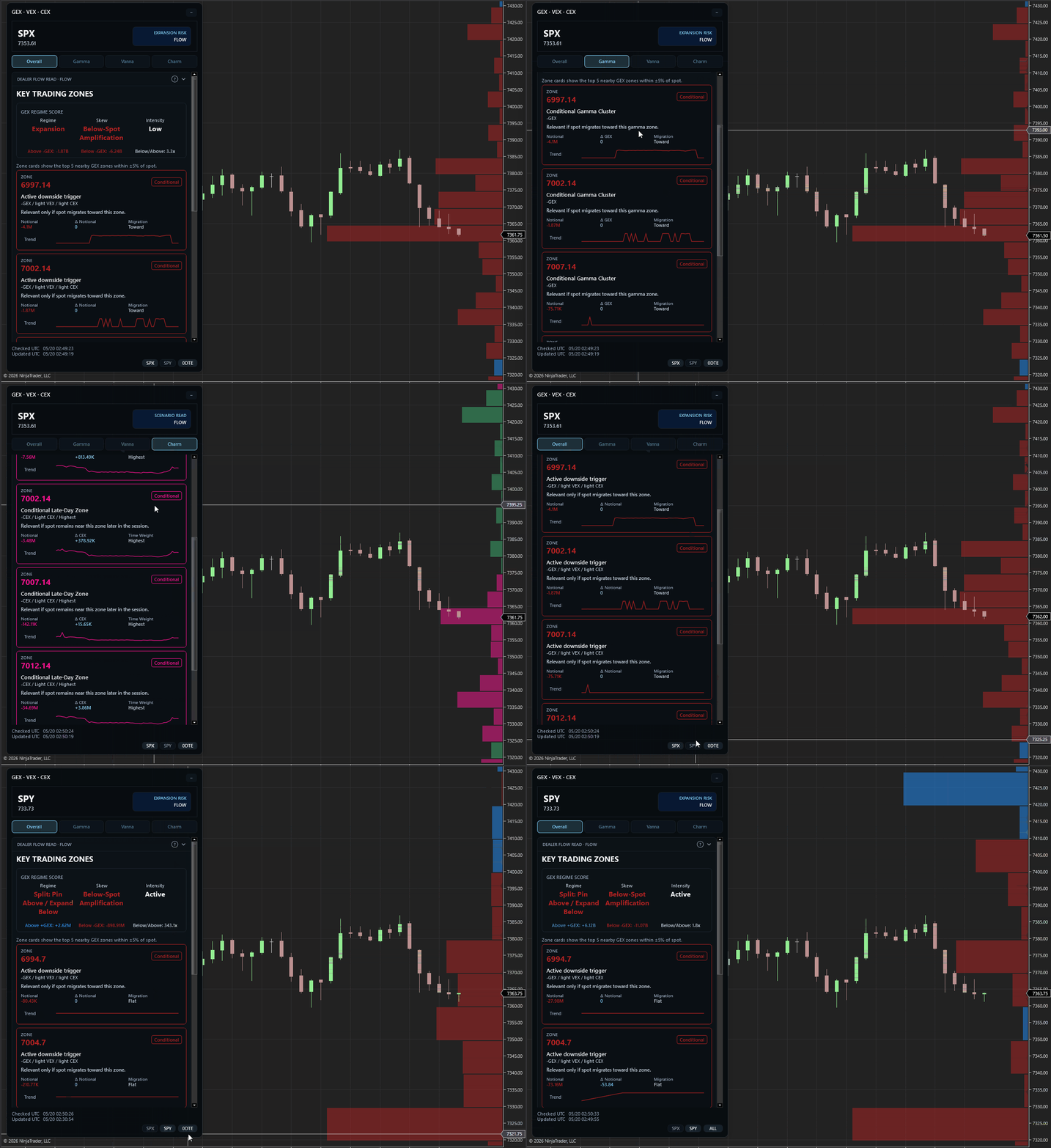
Initial release so people can start to play around with it.
WHAT IT DOES:
Gamma Vanna Charm Exposures maps exposure levels directly on your NinjaTrader chart. These are not guaranteed to be the “exact structural reference points institutional desks watch every session”. The reality is, none of us knows exactly what they watch; we can only derive levels from available option-chain data and a transparent model.
This supports ES and NQ. It uses free delayed CBOE options data from SPX, SPY, and QQQ, then converts those levels onto ES and NQ. It polls snapshot data every minute by default.
You do not like the delayed CBOE data? No problem. The project is open source, so you can code and map your preferred data source to the existing interfaces.
WHAT I’M LOOKING FOR:
- Nothing. I’m simply sharing it for free with the trading community.
- Feel free to contribute with pull requests or create issues if you find them.
WHAT YOU GET:
- 100% free and open source with MIT license. Do whatever you want with it.
- No limited free trials. It’s already free.
- No monthly subscriptions because it’s free.
- No need to apply for anything. Simply download the zip file from the release and import it like any other NinjaTrader indicator.
More information for GEX/VEX/CEX users
The active indicator model is a simple flow-implied dealer-position model. It is not a separate data feed, and it is not a claim that actual dealer inventory is known.
Open interest is used, but this is not just a static OI-only exposure model. The first snapshot seeds a signed baseline using calls as positive and puts as negative. Later snapshots compare poll-to-poll changes in cumulative volume, quote location, IV, and OI to infer likely customer buying or selling. That inferred flow updates signed dealer contracts, and those signed dealer contracts drive GEX, VEX, and CEX.
CBOE gamma is used when available. Vanna and charm are computed with Black-Scholes using the option’s strike, expiration, IV, right, and the current underlying price from the option-chain snapshot.
So the displayed metrics are intended to represent:
- GEX — hedge exposure for a 1% underlying move.
- VEX — hedge exposure for a 1-vol-point IV move.
- CEX — hedge exposure for one calendar day of time decay.
GEX is the primary price-response layer. VEX is conditional on IV actually repricing. CEX is most relevant near expiration, especially for 0DTE and late-session trading. Sign conventions are clearest for gamma; vanna and charm can vary by vendor/model convention, so they are best treated as sensitivity and concentration layers rather than standalone bullish/bearish signals.