Ive tried every guide i can find on google, youtube and forums.
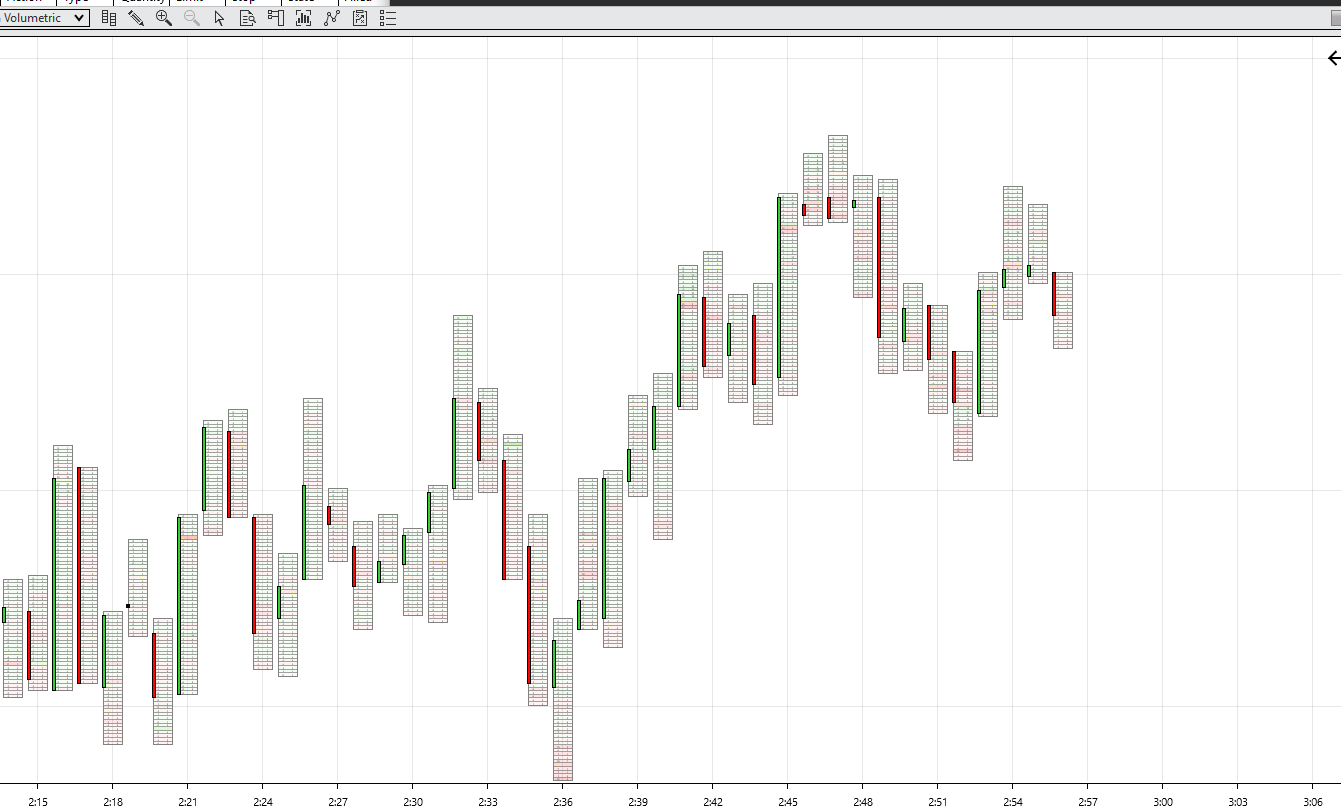
I cant seem to make my footprints look “correct”
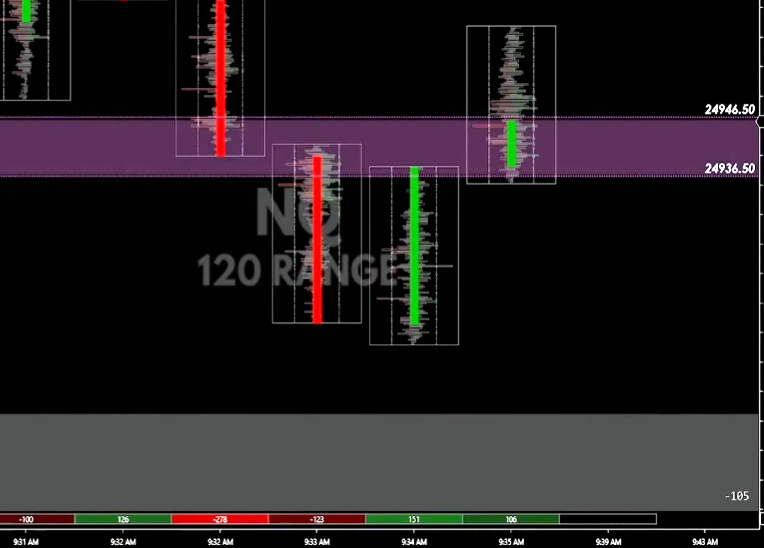
I am trying to make it like standart Footprints candles and with delta in the buttom.
I have bought the orderflow+ but i cant seem to make it work.
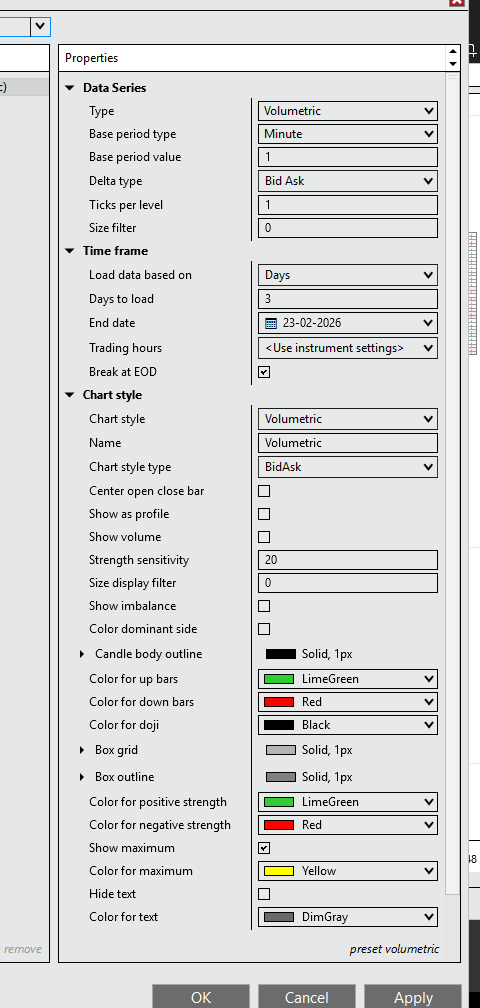
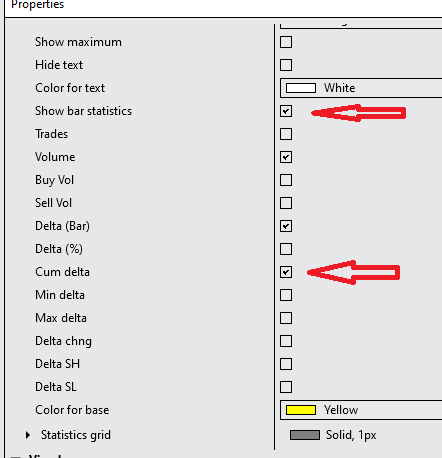
You were almost there in your properties screenshot. Keep scrolling down in the data series properties until you find the “Show bar statistics” option. Enable it to see the text data on the bottom of the chart. Then just select which stats you want to track.