Ok I found the solution, took me some time but needed this right away .
The Problem:
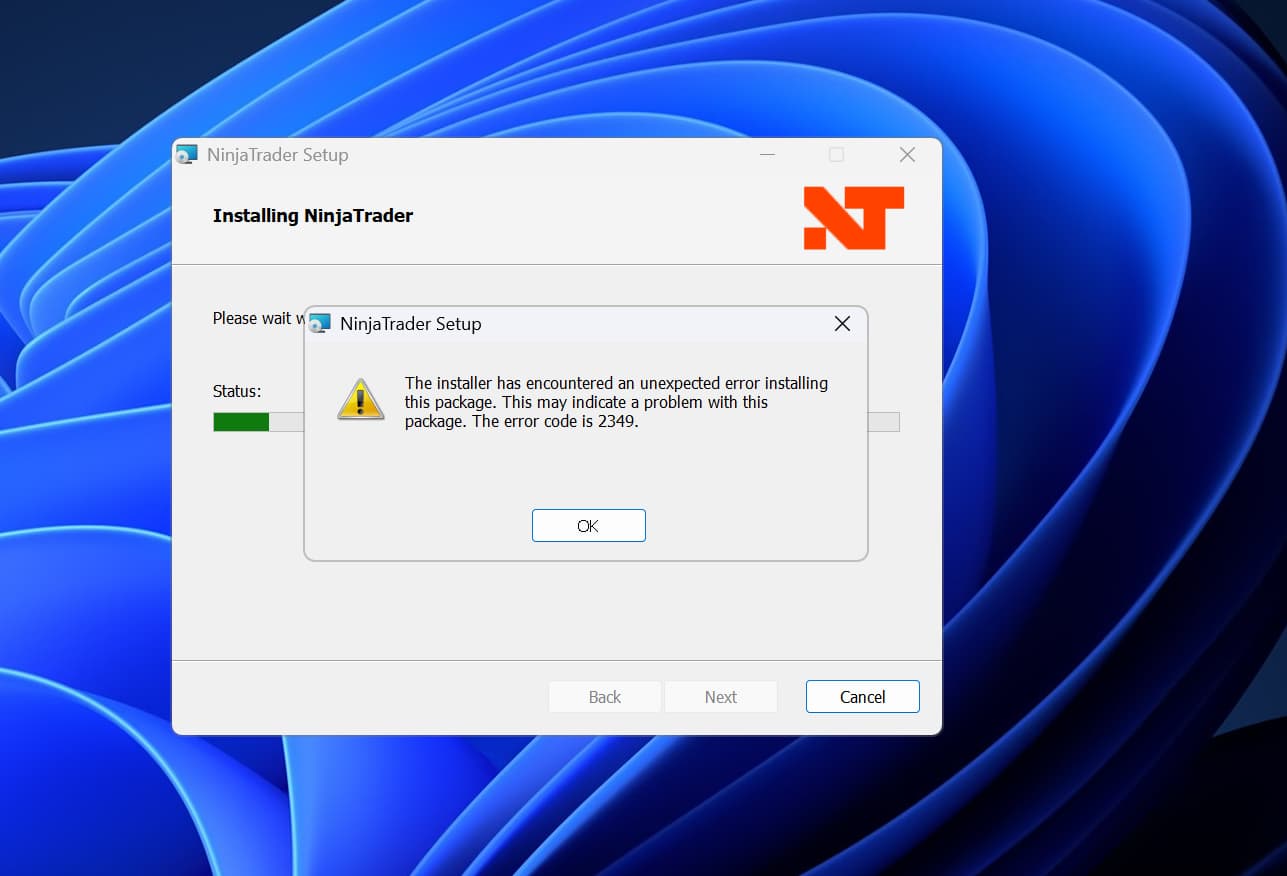
NinjaTrader tries to place its user data files (like AssemblyInfo.cs) into your Documents folder. Because this is a fresh Windows 11 install, OneDrive is actively syncing that folder. The moment the installer creates that file, OneDrive locks it to upload it to the cloud, causing the installer to lose access and fail with Error 2349.
The Fix :
Pause OneDrive:
Look at the bottom right of your taskbar (near the clock) for the Blue Cloud icon (OneDrive). You might need to click the small ^ arrow to see it.
Right-click the Cloud icon.
Select “Pause syncing” $\rightarrow$ “2 hours”.
Retry the Install:
If you still have the error dialog box open (the one with the “Retry” button from your screenshot), simply click Retry.
If the dialog is closed: Run the MSI installer again.
If that doesn’t work, force OneDrive to release the Documents folder temporarily:
Go to Sync and backup $\rightarrow$ Manage backup.
Toggle OFF the switch for Documents.
Run the NinjaTrader installer.
(Optional) You can turn the backup back on after NinjaTrader is installed.
One final tip for your setup:
Since data integrity is critical, ensure that your Documents\NinjaTrader 8 folder is set to “Always keep on this device”.
Open File Explorer $\rightarrow$ Go to Documents.
Right-click the NinjaTrader 8 folder.
Select “Always keep on this device” (it should have a solid green checkmark, not a cloud icon). This prevents NinjaTrader from crashing if your internet flickers during a trade.
Look into their focus on simulation trading contests, aming to be like TOPstep, imagine the enginneering talent and capital that is sucking up away from their core business, now add their massive pivot towards social media content to drive traffic to their TOPSTEP like simulation contests. There you have the reciple for neglect of their core business.
At this point, I think their core business has changed.
Thanks to forums like these, I discovered OneDrive was the culprit as well. I discovered this only after being on hold with tech support for over 30 minutes, then receiving an email that it was MY problem at that I need to contact a tech support person on my own. Disgusting. They knew OneDrive could be the culprit - but didn’t have the balls to even suggest that’s a problem!
The issue is Windows/Microsoft. They want bigger piece of the action and make changes to OS that benefit them and Ninjatrader have not kept up. Probably because desktop app is viewed as a dead end at this point.
This is not Microsoft’s fault. It is 100% Easy and totally in Ninjas control.
Let user Specify folder . In my case I have Extensive logging and would never want to replicate that from my Desktop to my Laptop or from 4 different desktops I use in trading. I had to completely Remove OneDrive from my trading machines. I have a plan where I rebuild the OS and Pull the internet cable to prevent One Drive sneaking in.
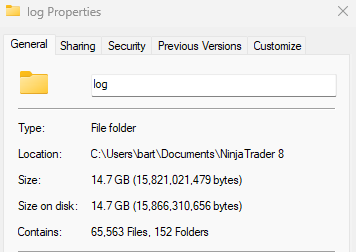
Ninja only needs to let you specify your folder on install or even after. Imagine my frustration in having over 14GB of Logs replicating to 5 machines where they would NEVER be used
Can you exclude Ninjatrader 8 folder from OneDrive? No? This is why I disagree it’s a 100% NT issue. OneDrive is a Microsoft solution to vacuum your content into the cloud.
Hmm odd you think that; here is an application I wrote over 5 years ago.
I can specify default read from and write to folders.
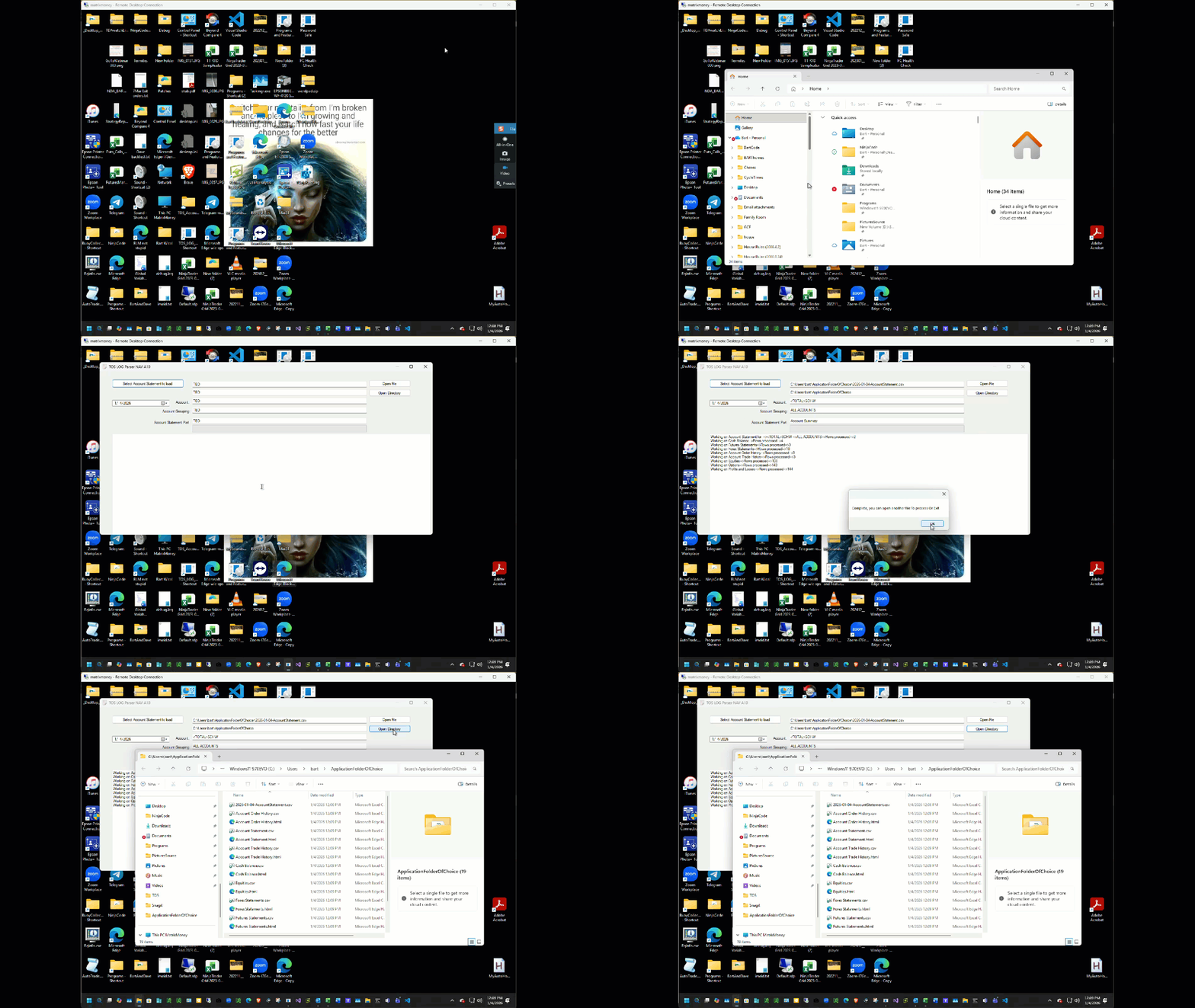
I even keep this application on OneDrive. You can even see I have OneDrive issues on this box because I no longer trade from it and the sync issues are (((((( You Guessed it right Ninja F’'ing trader Folder))). I am keeping OneDrive on this Device and plan to use it to test @WaleeTheRobot fix/find.
Spare me that a simpleton coder cannot specify folder outside of OneDrive Docs. I started to write a quick application to prove it. No need to open VS2026
Just to rub salt in the wound I normally use OneDrive\Tos for this log export. All I did was export from TOS Specify a New Folder to open a file from close the application and reopen the same app.
No Reinstallation no command line switched Just default to last used folder. This is written in VB. If I have a reason to update it I will convert it to C#
I’m not sure what you are trying to get at. Are you saying you are having sync issues with NT? It’s hard to see, but it looks like a VM? I don’t run NT in a VM and don’t have any syncing issues.
Hello #BLTDavid & #Bart,
FWIW & on the off-chance you’re not familiar with, I’ve used FlyOOBE with great success and no issues to circumvent MS’s increasingly draconian measures.
In addition to FlyOOBE’s initial purpose of avoiding obsoleting gazillions of PCs (Win11 on 14yr old Acer laptop, faster than Win10 ), it can be used to install Windows as a Local Administrator account without need for an MS Account (something David expanded my understanding of in NT context years ago, , although I think I might have read more recently that MS may be going to make this more difficult to bypass), to prevent installation of and/or uninstalling OneDrive and many other predominantly focused around giving the User back control, eradicating data-harvesting bloatware etc.
Control over Account location/Documents/OneDrive are big boxes ticked when it comes to NT
Hope this helps
Kind regards,
But FlyOOBE is not a permanent solution from what I’ve read, correct. If you’re forced to update, it could not work.
It seems like buying Window 11 Pro is a “permanent” solution since they have the option to install with a local account readily available. And Microsoft doesn’t want to upset their Enterprise market.
But if you don’t want to buy Windows Pro, it seems like the best thing to do is install 11 Home with a microsoft account and then switch to a local account.
Only drawback is that since you installed with a Microsoft account, they have the identity of your PC in the cloud. This COULD be beneficial in a recovery procedure, however.
I’m just trying to plan my switch to Windows 11. Any feedback would be appreciated.
Hello #PCAutomation,
I believe everything you say to be correct/tallies with my own experience.
For my recently new trading Win11 pc I used a new Win11 Pro licence installed with a Local account, no OneDrive (FWIW in terms of ‘motivations’ I’m not unduly concerned about having to have a MS account for licence registration, and see benefits in ‘roaming profiles’ across devices etc, but on my terms/under my control and not interfering with (OneDrive Documents) NT performance. Unfortunately NT’s legacy hard-coding Documents folder and MS’s enforcement of OneDrive seem to have brought about a worst of all worlds outcome, coupled with intrusive/invasive Win11 data harvesting bloatware by default on steroids.
I have used FlyOOBE to upgrade non Win11 compatible PCs, due to Win10 end of life/end of support/end of security updates. It allows Security updates to continue. As you correctly point out, FlyOOBE does not guarantee future major Win11 version updates won’t break it, although presumably they’ll deliver a workaround version if they can asap in this game of cat and mouse & meantime don’t update.
Same as OpenCore for Mac. MS OneDrive enforcement same as iCloud.
I didn’t get a chance to read throguh everyone’s responses so some may have already suggested this.
Microsoft should be continuing to offer the option to not have OneDrive take over people’s computers. Not everyone pays for it and wants all their photos, desktop and documents stored int he cloud.
You can get Windows to behave as it used to. All my Windows 11 PC’s are set up this way with OneDrive as its own separate folder and Documents, Desktop and other folders as local folders.
One easy option to do this is to create a local account for your trading. You would keep this separate from your account used to use the PC. With the account local, it will be unable to sync to OneDrive.
If you want to use an account with a Microsoft login, there are also ways to get Windows to disable OneDrive. For me, I think I disabled OneDrive after Windows was all set up then re-enabled it but told it to not back up anything. This leaves me with the traditional OneDrive folder where I can store what I want in the cloud separate from my local files.
I agree with others and NinjaTrader should have setup their application to allow users to pick a folder it uses for all its files instead of hard coding it to the Documents\NinjaTrader 8 folder.


 ), it can be used to install Windows as a Local Administrator account without need for an MS Account (something David expanded my understanding of in NT context years ago,
  , although I think I might have read more recently that MS may be going to make this more difficult to bypass), to prevent installation of and/or uninstalling OneDrive and many other predominantly focused around giving the User back control, eradicating data-harvesting bloatware etc.