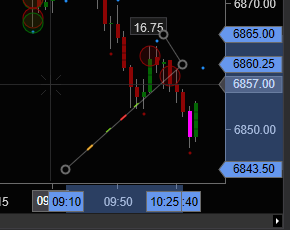
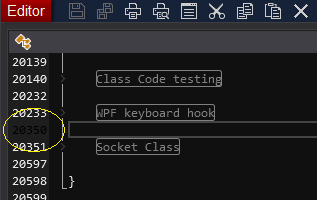
A couple of color controls for the slate gray skin I have been looking for. One was found the other was not. Usually controls like this are stored in Template\Skins*.xml The x,y highlighting was found and the info is below.
The Ninjascript editor’s current line is set to RGB(0,0,0) - pure black. This doesn’t work well for the slate gray skin. If you find the control for this pls do share.
Thx
Cornflower blue color on the drawing tools axis:
Resource Dict: …\Templates\Skins\YourSkin\ChartControl.xaml
Brush: x:Key=“ChartControl.SelectedMarkerBrush”