Correctly adding Icons to the main Main Bar

I’m being very very bit picky here but I’ve been trying to add an icon to the menu bar that matches the NT icons without compromise. I will refer to the Sample document: ‘SampleWPFModifications’ here:

https://ninjatrader.com/support/helpguides/nt8/NT%20HelpGuide%20English.html?creating-chart-wpf-(ui)-modifi.htm

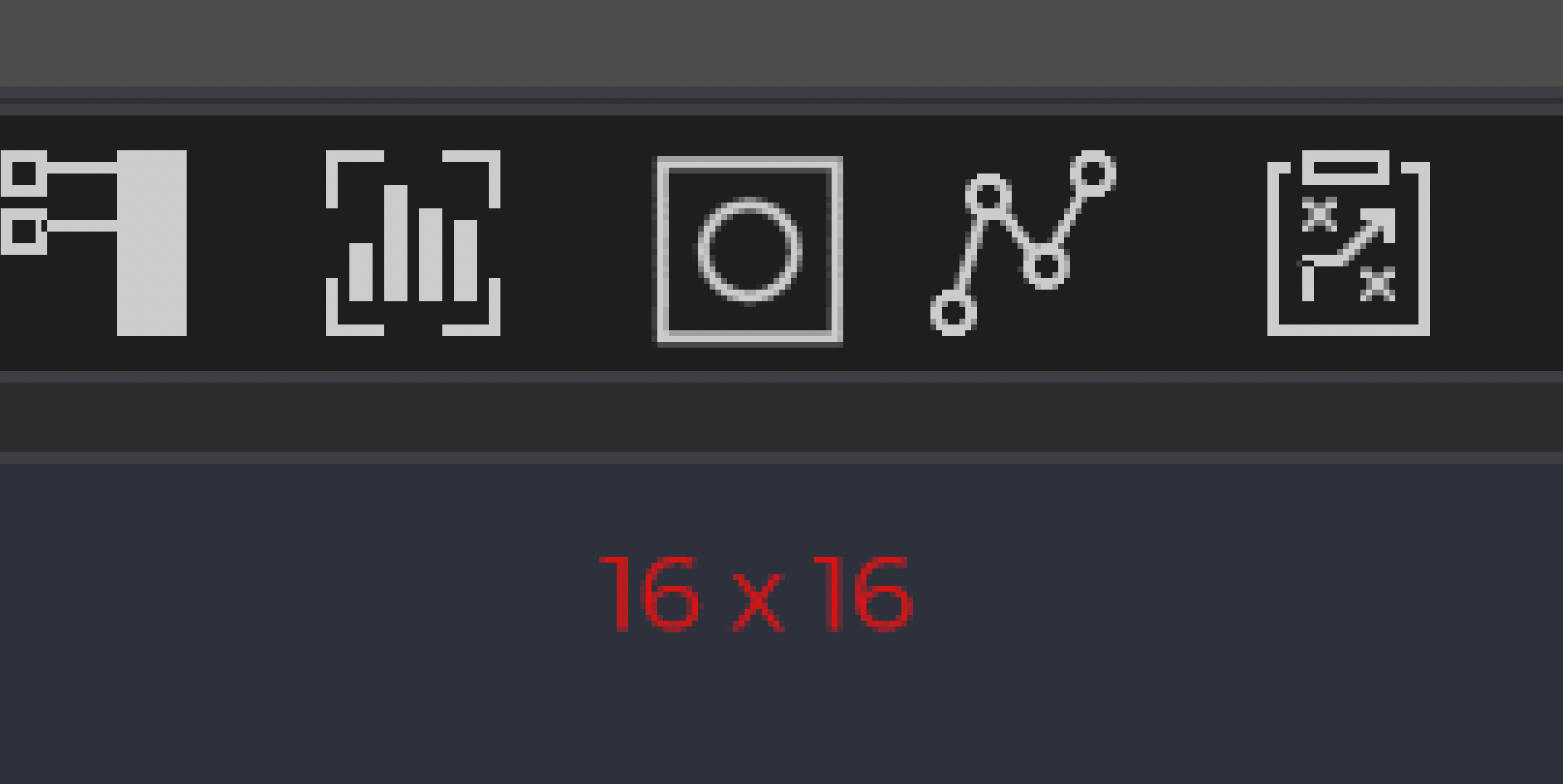
First here is a zoomed in view of an existing NT icon next to the sample above.
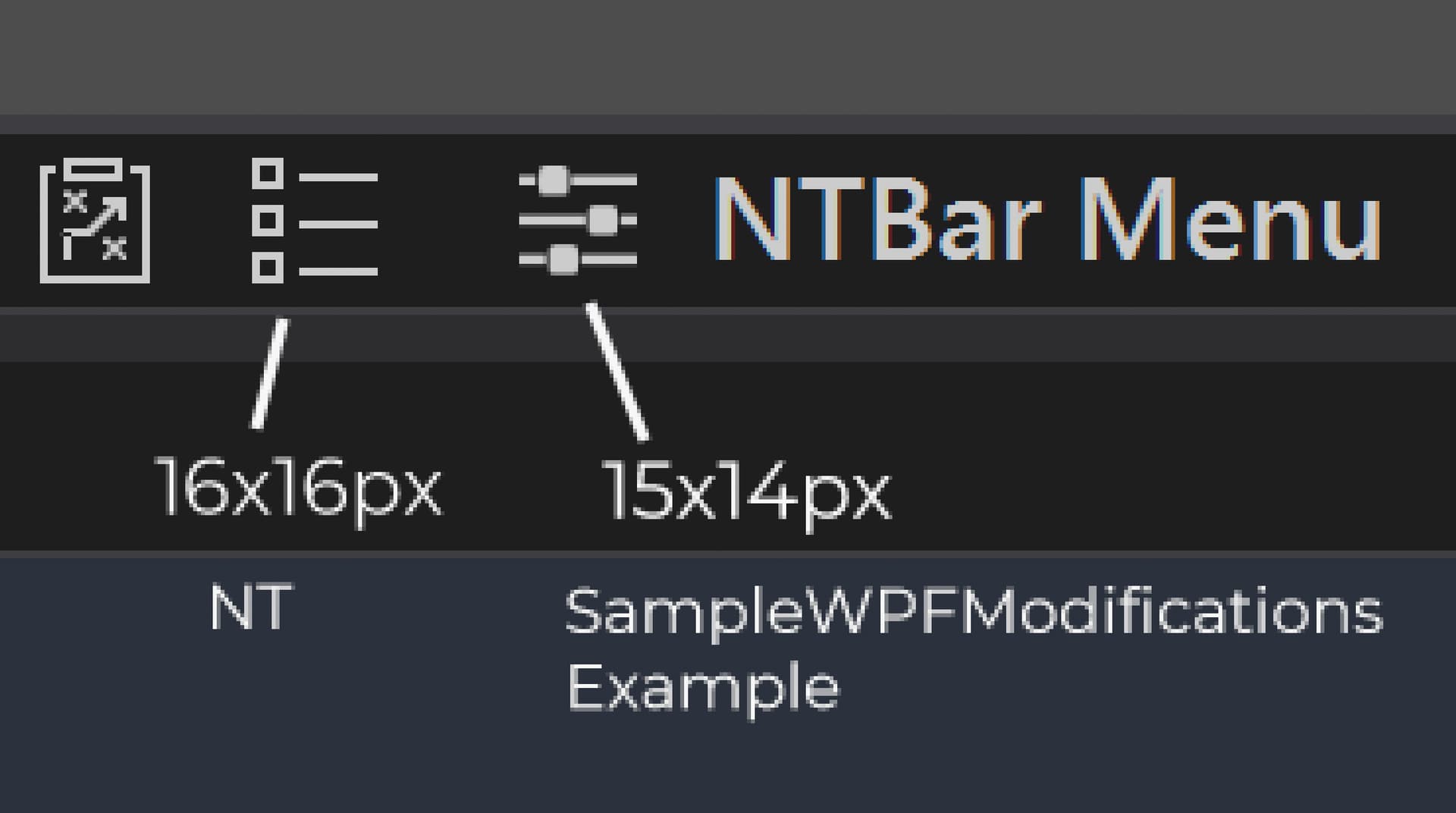
The NT icon is 16x16px, and renders crisp. The sample on the right is irregular size and doesn’t render crisp. (doesn’t look good imo)

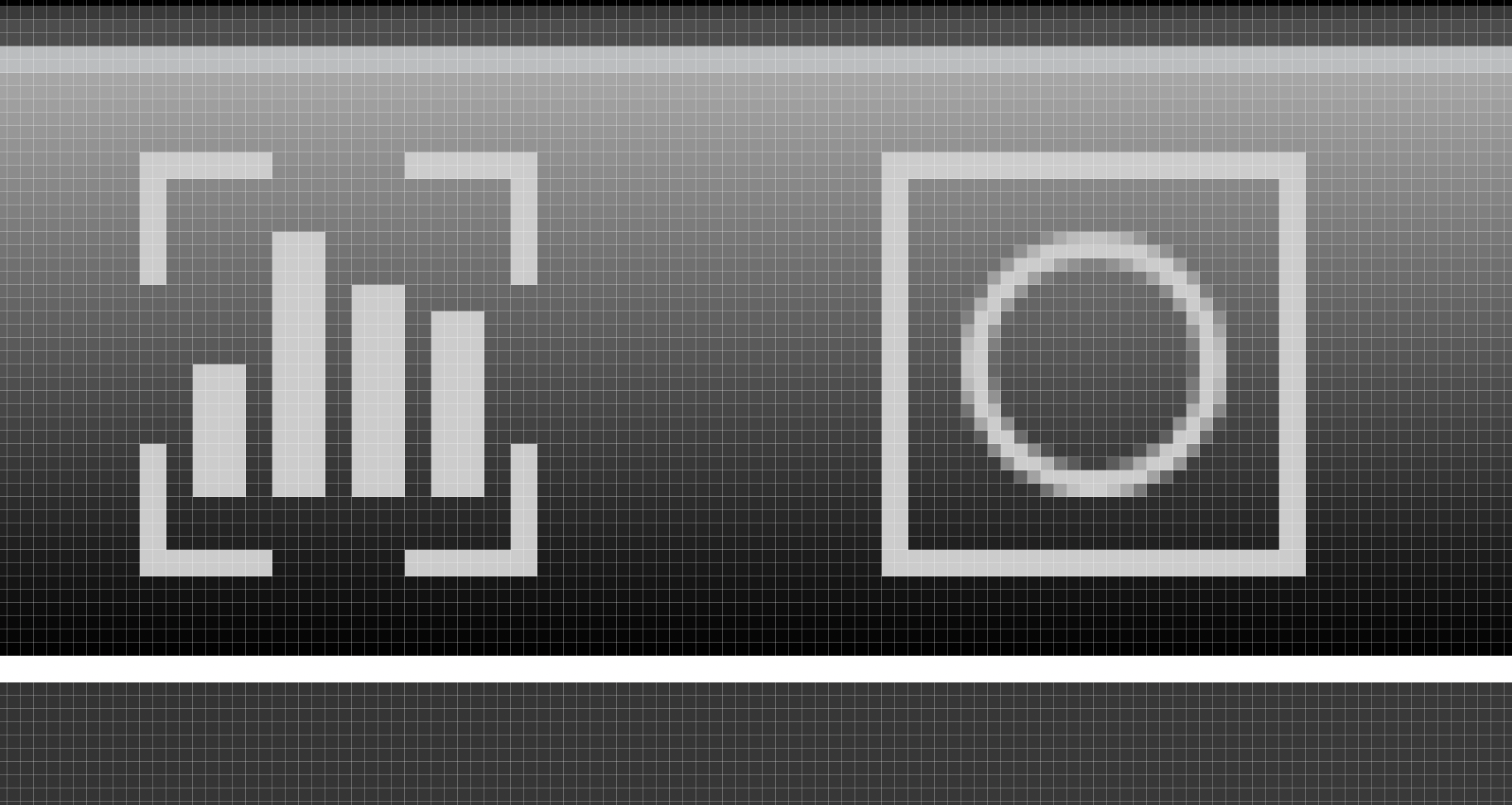
The anti-aliasing and rendering can be fixed by creating geometry co-ords that align to pixels. Like this example I made in Illustrator. This is exactly 16x16, every co-ord snapped to a pixel.
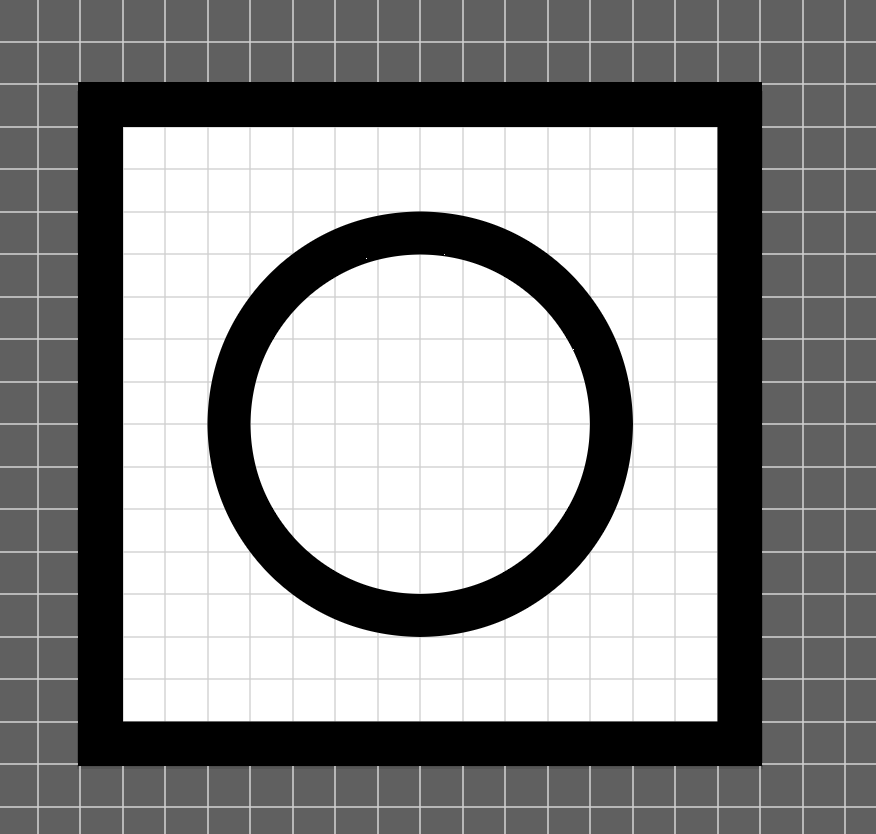
And then code:

       private void QM_MenuIcon()
    {   
        Geometry menuIcon = Geometry.Parse(
            "M15,1v14H1V1h14M16,0H0v16h16V0h0Z" +
            "M8,4.5c1.9,0,3.5,1.6,3.5,3.5s-1.6,3.5-3.5,3.5-3.5-1.6-3.5-3.5,1.6-3.5,3.5-3.5M8,3.5c-2.5,0-4.5,2-4.5,4.5s2,4.5,4.5,4.5,4.5-2,4.5-4.5-2-4.5-4.5-4.5h0Z"
        );

Print($"Geometry Bounds: {menuIcon.Bounds.Width} x {menuIcon.Bounds.Height}");
// Prints: Geometry Bounds: 16 x 16
        
        MyMenu = new NTMenuItem
        {
            Name = "MyMenu",
            Icon = menuIcon,
            Style = mainMenuItemStyle,
            Margin = new Thickness(0, 0, 0, 0),
        };

    }

The result:
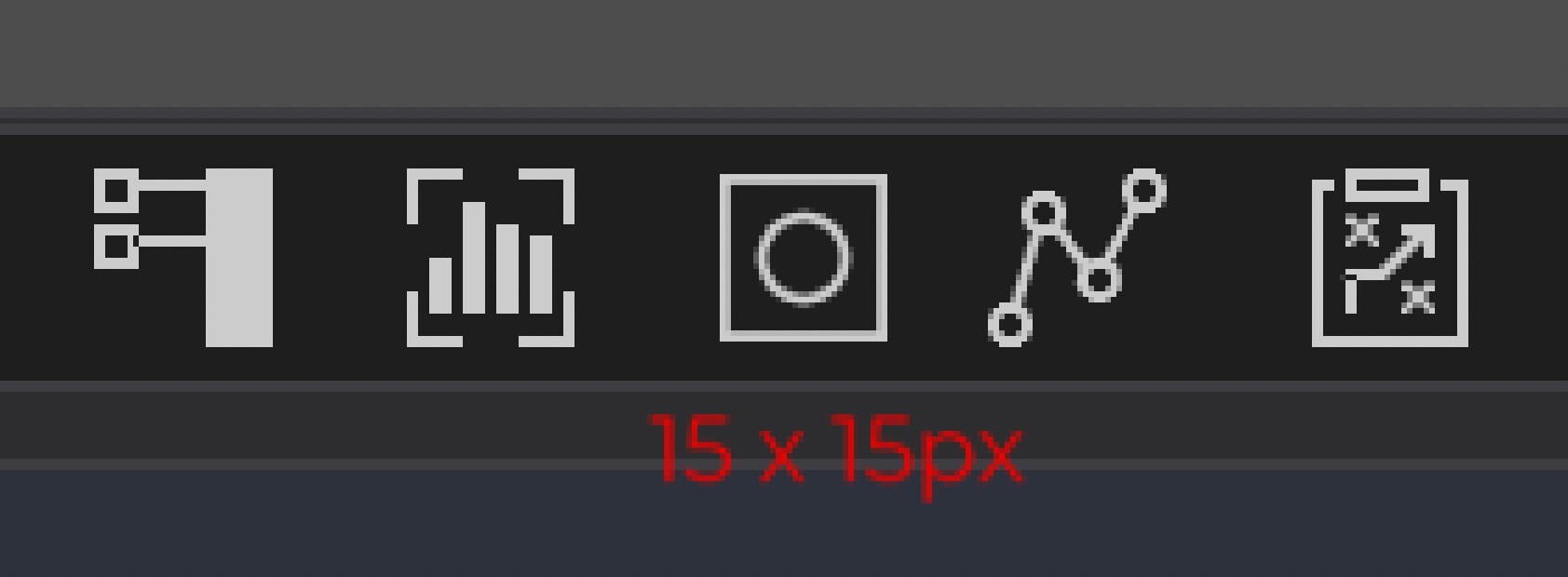
For some reason, the icon is being forced to render at 15x15px, even though the geometry is 16x16 as confirmed by the print. I cannot work out why this happens, it makes me think the method I’m using (similar to sampleWPFModifications) is incorrect.

Setting a specific width/height of 16x16 on the NTMenuItem reveals some clipping box:
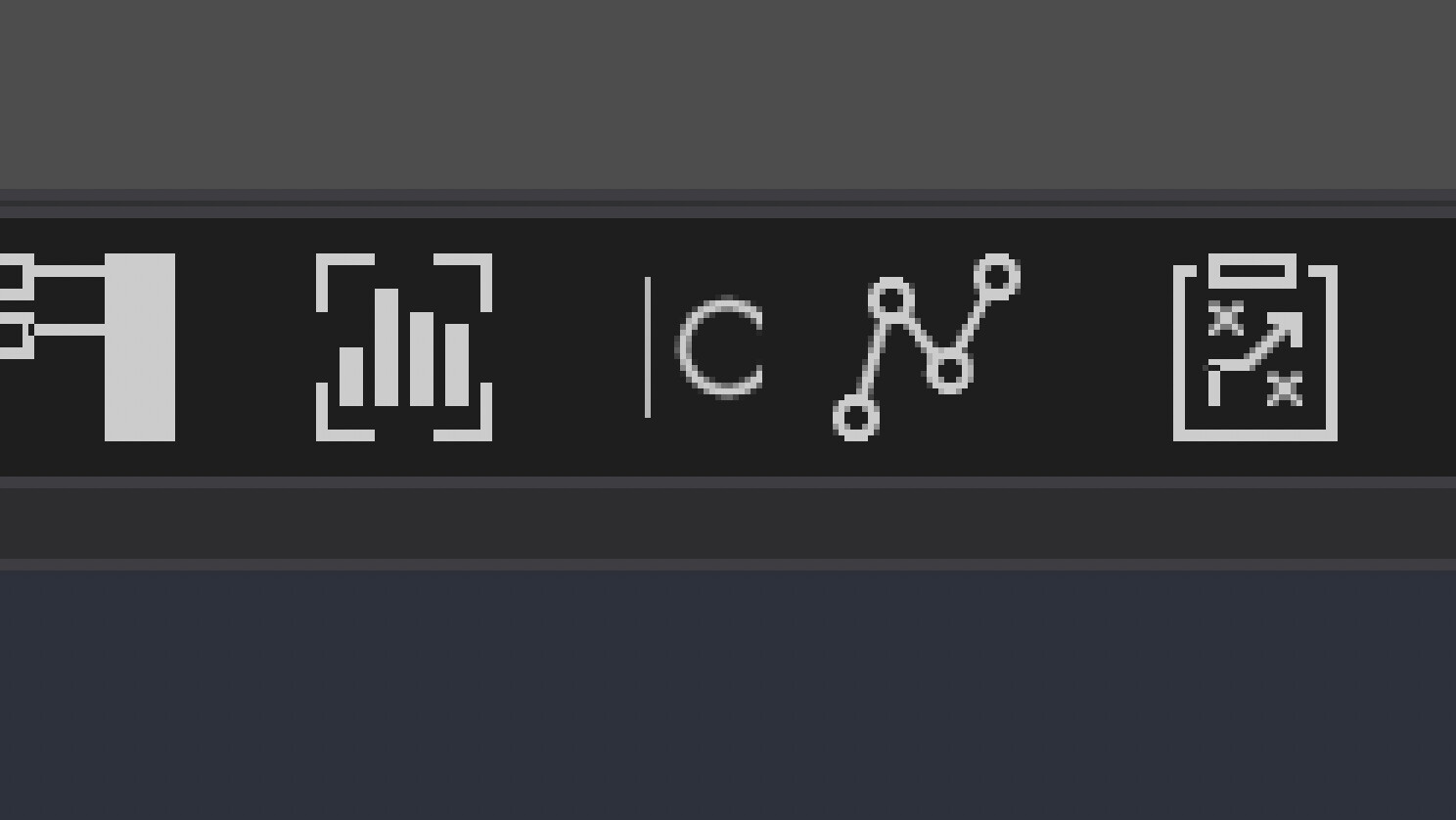
You can use RenderTransformto size up 15x15 → 16x16 like this:

            RenderTransform = new ScaleTransform(1.067, 1.067),

And the icon renders at 16x16, but slightly blurry and shifted a little:
To fix the blurriness, add SnapsToDevicePixels = true. That fixes the sharpness, but then introduces a misalignment by 1px. Then To fix that you add a margin adjustment or use RenderTransformOrigin and then this looks perfect by default but then starts to create all kinds of weird pixel shifts on hover and pressed states and when you test on displays which use OS scaling (like 125% for example, there’s other issues present and they are magnified)…too many to list here. I’ve tried adding even handlers for each mouse state but it seems like the RenderTransform creates a bunch of inconsistencies between states. All minor, but the simple question is;

How do you get a simple 16 x 16 px icon geometry to render at 16 x 16 in the NT ToolBar just like the NT icons, without any hacks?
It looks like you’ve been going pretty deep on this. I don’t really know the details on why this is happening, but some things you might try (if you haven’t already):

  1. Make sure padding is 0. Padding can cause control shrinkage if the container is allocating a specific size.
  2. Have you tried setting MinWidth, MinHeight to force a 16x16 size for your menu item?

Yea, MinWidth/Height no impact at all. Must be getting overridden by something. You can change margin/padding and it behaves as expected but the size of the icon is constrained.

I’ve tried also using a path and canvas, which allows explicit setting of the width and height but then creates issues inheriting the mainMenuItemStyle for mouse states.

I did a make a little progress with this. The NT icons are actually a custom font, loaded with a textblock. This is why the method inside SampleWPFModifications cannot replicate the size correctly.

Managed to finally fix this. Took longer than any other thing I’ve ever try to do in Ninjatrader TBH. Tried almost everything but each method has some issue… including creating my own custom font file which worked but on press NT was re-rendering the textblock which re-loaded the NT font file, making my icon vanish. Here’s the final version. 16x16 px icon with correct styling on all themes.

        System.Windows.Media.Geometry menuIcon = System.Windows.Media.Geometry.Parse(
            "M15,1.2v14H1V1.2h14M16,.2H0v16h16V.2h0Z" + 
            "M8,4.2c2.2,0,4,1.8,4,4s-1.8,4-4,4-4-1.8-4-4,1.8-4,4-4M8,3.2c-2.8,0-5,2.2-5,5s2.2,5,5,5,5-2.2,5-5-2.2-5-5-5h0Z"
                      );

var iconPath = new System.Windows.Shapes.Path
{
    Data = menuIcon,
    Width = 16,
    Height = 16,
    Stretch = System.Windows.Media.Stretch.Uniform,
    VerticalAlignment = VerticalAlignment.Center
};

// Create a style with triggers for hover color change
var pathStyle = new System.Windows.Style(typeof(System.Windows.Shapes.Path));

// Default setter - use resource reference via setter
var defaultSetter = new Setter(System.Windows.Shapes.Path.FillProperty, null);
defaultSetter.Value = new DynamicResourceExtension("FontMenuBrush");
pathStyle.Setters.Add(defaultSetter);

// Trigger when parent NTMenuItem is highlighted
var highlightTrigger = new DataTrigger
{
    Binding = new Binding("IsHighlighted")
    {
        RelativeSource = new RelativeSource(RelativeSourceMode.FindAncestor, typeof(NTMenuItem), 1)
    },
    Value = true
};
highlightTrigger.Setters.Add(new Setter(
    System.Windows.Shapes.Path.FillProperty,
    new DynamicResourceExtension("FontMenuHighlightedBrush")
));
pathStyle.Triggers.Add(highlightTrigger);

iconPath.Style = pathStyle;

4 Likes

Nice work! Thanks for sharing your results.