Hi wanted to see if anyone else has had this happen and figured it out.
Using NT 8.1.6.3
Regardless of what I choose for trading hours in the Data Series i.e. use instrument settings, CME US Index Futures ETH, Default 24 x 7 when I click ok, the chart that opens has defaulted to RTH. Open Data Series and sure enough it shows RTH. Any ideas things to try appreciated.
Things I have tried are inside data series select trading hours then select 24x7 then click preset then save, apply, ok. Create a new chart and the trading hours that default are use instrument settings and still open a chart with rth. change selection to 24x7 still opens chart of rth.
Went into tools-instruments and looked there and it is set to CME US Index Futures. Tried changing that to 24 x 7 just to see if it changed anything but it did not so put it back like it was.
Any ideas for things I can try?
Thanks in advance
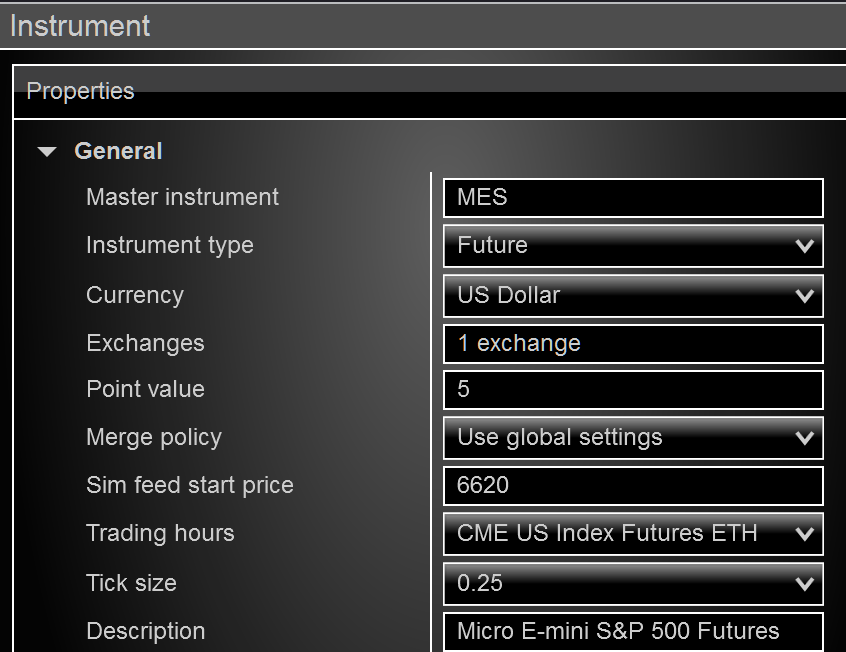
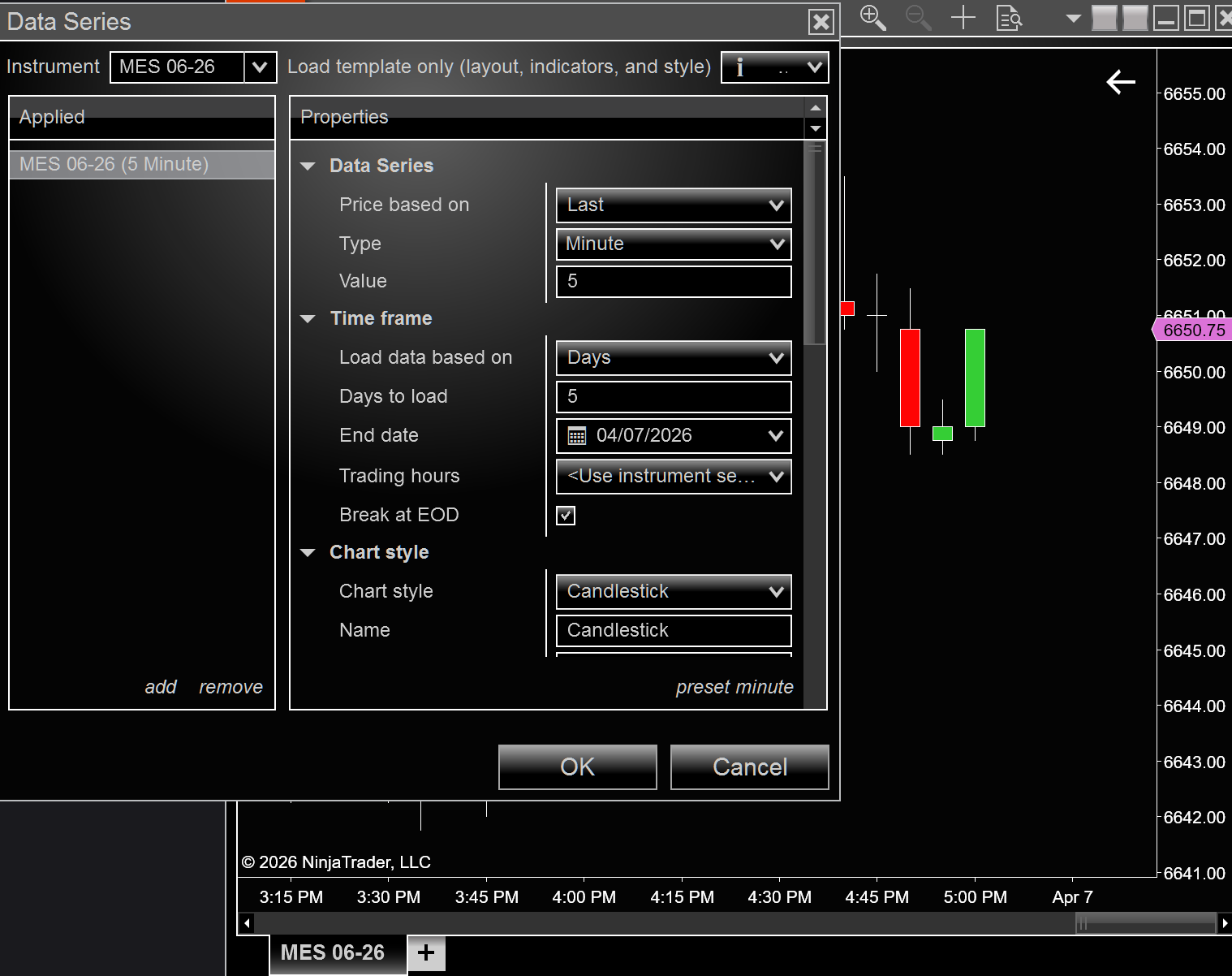
Trading hours in DATA SERIES should be set at ETH or RTH. On your screenshot you didn’t select either one.
Hi Marcus thanks for responding. I did not post all the pics but as mentioned in my description I have tried that it still results in opening a chart that is set to RTH. Meaning I can select anything in the data series-trading hours setting and it still produces a chart set to RTH. After that I can open data series of the newly opened chart and change it and it will stick. Any other ideas appreciated.
My best guess is that you have this saved in your default chart template which is loaded when you first open a new chart window. This would explain why you can later change your TH and it sticks later, but is always wrong the first time you bring up a new chart.
Hope this helps.
Hi fc77 That was it. Thank you very much!