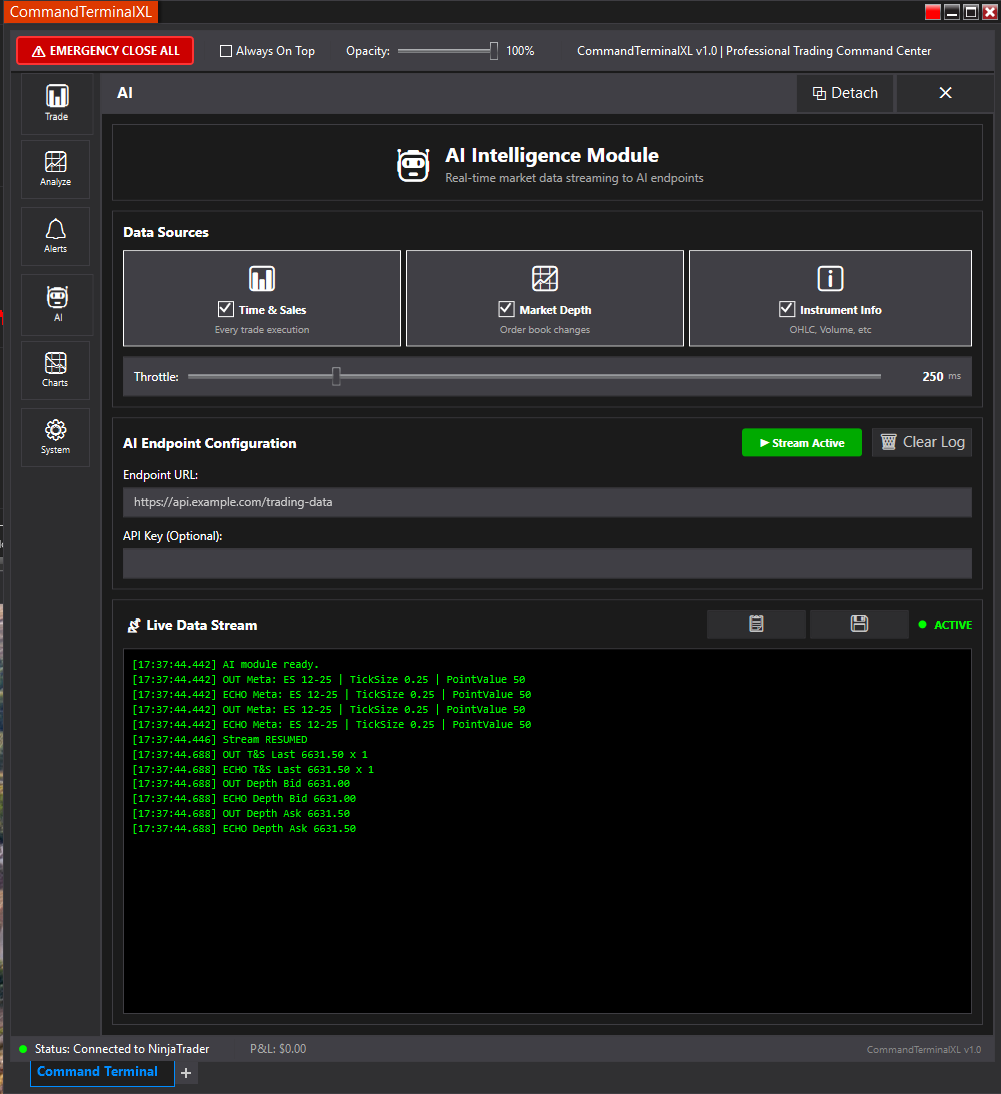
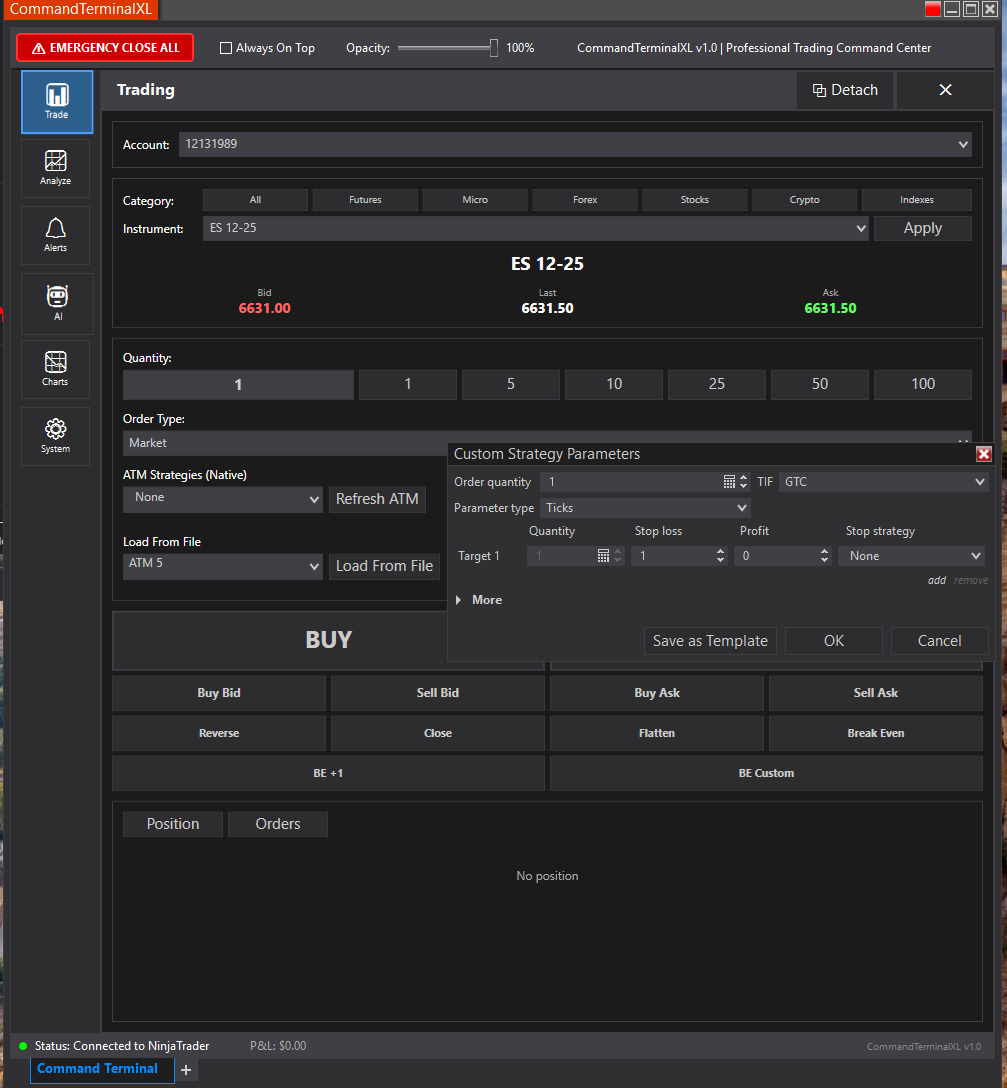
I have a NinjaTrader 8 AddOn built with C# + XAML (WPF) using an AtmStrategySelector in a flyout panel. Account and instrument are set, connection is live, and the selector hosts fine in the AddOn. On open, the selector shows only the default “None” and “Custom” entries. If I click “Custom,” the ATM editor opens and I can create strategies; saving them persists to the ATM strategy store. After clicking Save, the full ATM list appears (I see a brief reconnect), and I can execute those ATMs.
Issues:
On first open, only None/Custom show; to get real templates to load I must click Custom → Save (or detach/close/reopen). There’s no reliable auto-population.
Even after the list populates, the Edit button remains grayed out in the AddOn; I cannot edit existing ATMs from the AddOn (creating via Custom works; editing never enables). Execution works once a template is selected.
I’m already reassigning Account and Instrument on the selector on the UI thread after the control is loaded.
Questions:
Is there a supported way to force the native AtmStrategySelector to refresh its ATM list in an AddOn (without manually reading XMLs)?
Is there any way to enable the Edit button from an AddOn, or is editing only supported in the native Chart Trader UI?
Do I need to wait for a specific event (connection status, instrument resolution) before assigning Account/Instrument to the selector?
Any example of using AtmStrategySelector in an AddOn (not an indicator) where the ATM list loads reliably without needing Custom/Save or detach/reopen?
Please don’t give me a ChatGPT/AI answer; looking for someone who’s done this in a custom AddOn and has concrete guidance.
I use the AtmSelector in my trading control add on. I’ve not had to wait for any particular event or trigger a refresh. The selector is “pre-wired” into the NT core and updates automatically. The edit button is also present and enabled for a valid selected template. Note, it is not present for “None” (which is selected in your screenshot) or an active instance of an atm strategy.
I’m simply creating the control in the constructor of my containing grid control and giving it a control ID and setting the selector mode. However, I am using the NTWindow as the base. Perhaps the atmSelector’s builtin behaviors rely on being hosted in an NTWindow?
Here’s a snippet from my grid control constructor showing how I set it up. I set the Account and Instrument properties when their respective selectors are changed (via the selection changed callback). And again, I’m not doing anything else to get the behaviors you seem to be missing.
The only ideas I have are:
the selector needs to be hosted in an NTWindow
the selectors mode is affecting your code
There is also a code example in this thread on the old forum that may help as well:
public TradingGrid() : base()
{
//...
            _atmSelector = new AtmStrategySelector();
            _atmSelector.Id = Guid.NewGuid().ToString("N");
            _atmSelector.AtmStrategySelectionMode = AtmStrategySelectionMode.SelectActiveAtmStrategyOnOrderSubmission;
//...
}