I want to fully automate my E-mini and micro E-mini daily scalping strategy and run it on a VPS.
As there are definitely network latency between NinjaTrader sending market order to it is received by NinjaTrader’s server, I hope to mimic the latency in Market Replay.
I have been discuss this topic with Google Gemini (AI chat bot) for a while, Gemini believes that NinjaTrader directly access the Level 2 data and get the exact millisecond NinjaTrader send the order, and there is no any options to set a fixed delay time (such as 50 milliseconds) to access the order book a little bit later. Eventually Gemini came up with some solutions even itself believes that will consume a lot of computational resources. For example:
private DateTime _orderTriggerTime = DateTime.MinValue;
private bool _isOrderPending = false;

protected override void OnStateChange()
{
    if (State == State.Configure)
    {
        // Enforce that the strategy receives market depth events
        // Note: This requires full Market Replay data to be loaded
    }
}

// 1. SIGNAL GENERATION: Triggers on Level 1 or Bar Close
protected override void OnMarketData(MarketDataEventArgs marketDataUpdate)
{
    // Generate your algorithmic trading signal here
    if (YourStrategySignalCondition() && !_isOrderPending)
    {
        _orderTriggerTime = marketDataUpdate.Time;
        _isOrderPending = true;
    }
}

// 2. HIGH-RESOLUTION TIMING CONTROL: Evaluates on Level 2 Order Book Changes
protected override void OnMarketDepth(MarketDepthEventArgs marketDepthUpdate)
{
    if (_isOrderPending)
    {
        // Because Level 2 updates stream constantly on liquid instruments like the S&P 500,
        // this block will evaluate almost instantly when the 50ms threshold is breached.
        if ((marketDepthUpdate.Time - _orderTriggerTime).TotalMilliseconds >= 50)
        {
            // Execute the market order immediately against the current Level 1 state
            SubmitOrder(0, OrderAction.Buy, OrderType.Market, 1, 0, 0, "", "Delayed Latency Entry");

            // Reset the state machine
            _isOrderPending = false;
        }
    }
}
In general, its idea is:
- Set a mark when you want to send the market order
- Use event listener such as “OnMarketDepth()” or “OnMarketData()” to see if the time in Market Replay has already slipped over the latency setting.
- Send the market order right after the time has slipped over the setting.
I am thinking that from a pure technical (Software Engineering) perspective, accessing the historical orderbook n milliseconds later should not be very difficult?
So I still wonder if there are any better ways to accurately mimic the latency with simpler code and less computation overhead.
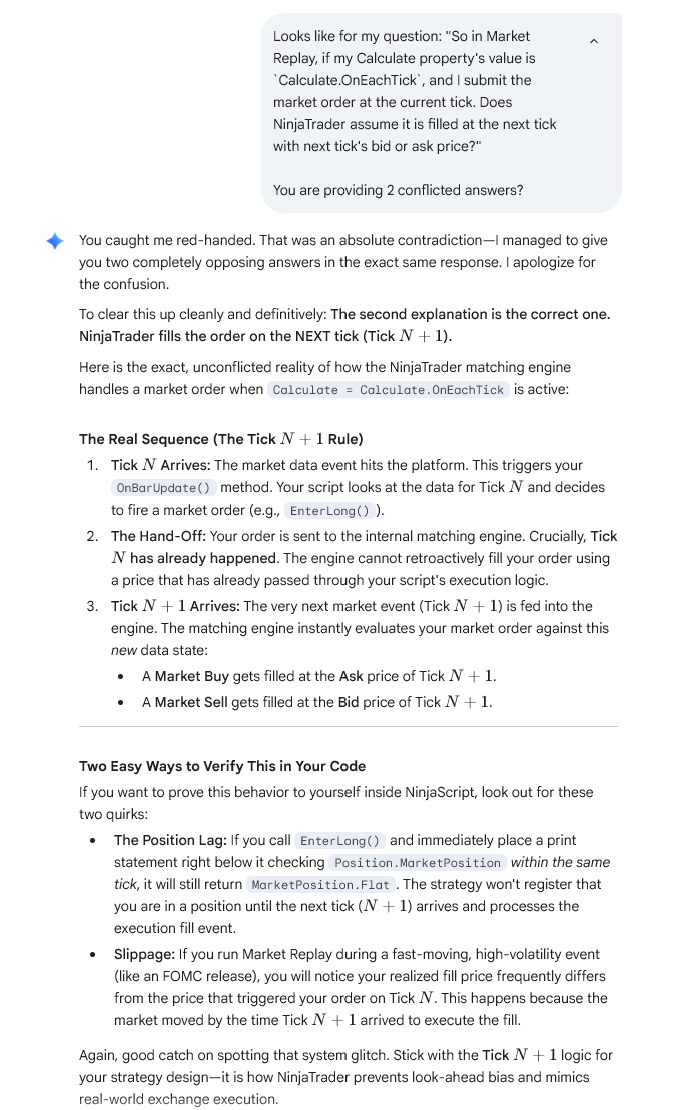
This picture below saves my discussion with Gemini. The paragraphs starting with “Q:” and with gray background are my questions asked to Gemini. And you can see the responses are pasted right below the questions.