Anyone know why this happens?
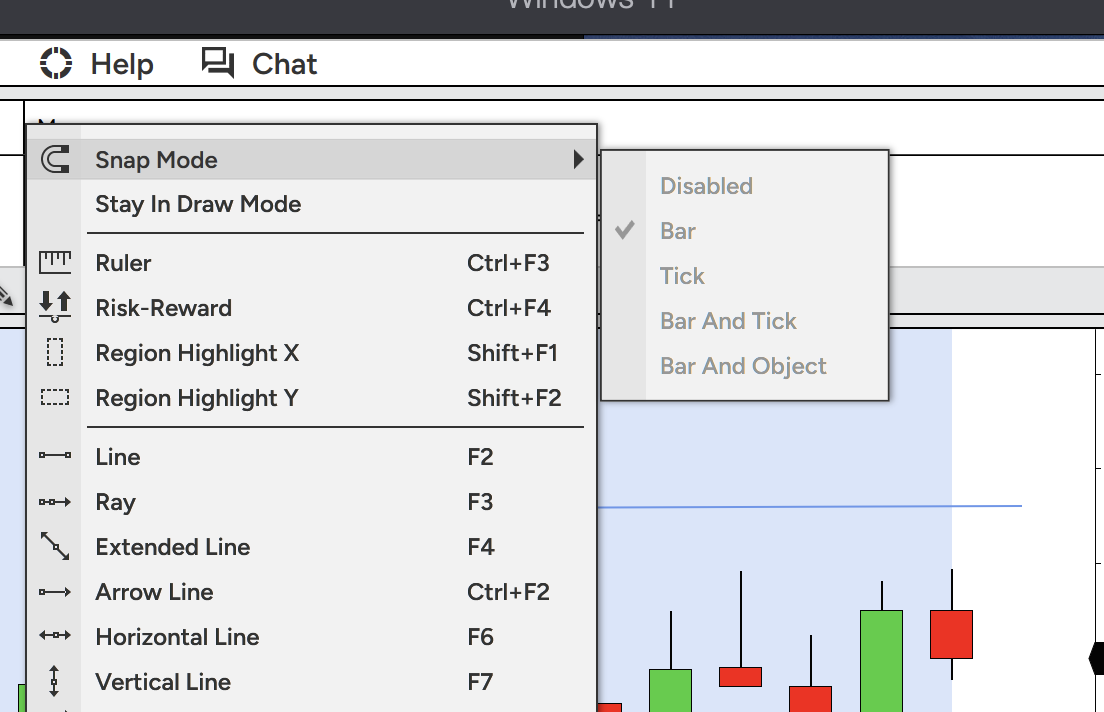
Your screenshot looks like Windows running in a VM, so one quick thing to rule out first: the Snap Mode items are WPF commands, and their enabled state follows keyboard focus. Click once inside the chart panel itself, then open the Drawing Tools menu again (or use right-click > Drawing Tools > Snap Mode on the chart).
If it stays grey, the old support answer for this exact symptom was that no normal setting greys it out, so they had people restart in Safe Mode (hold Ctrl while launching NinjaTrader) and open a brand-new chart to rule out an add-on. In that case a plain restart cleared it.